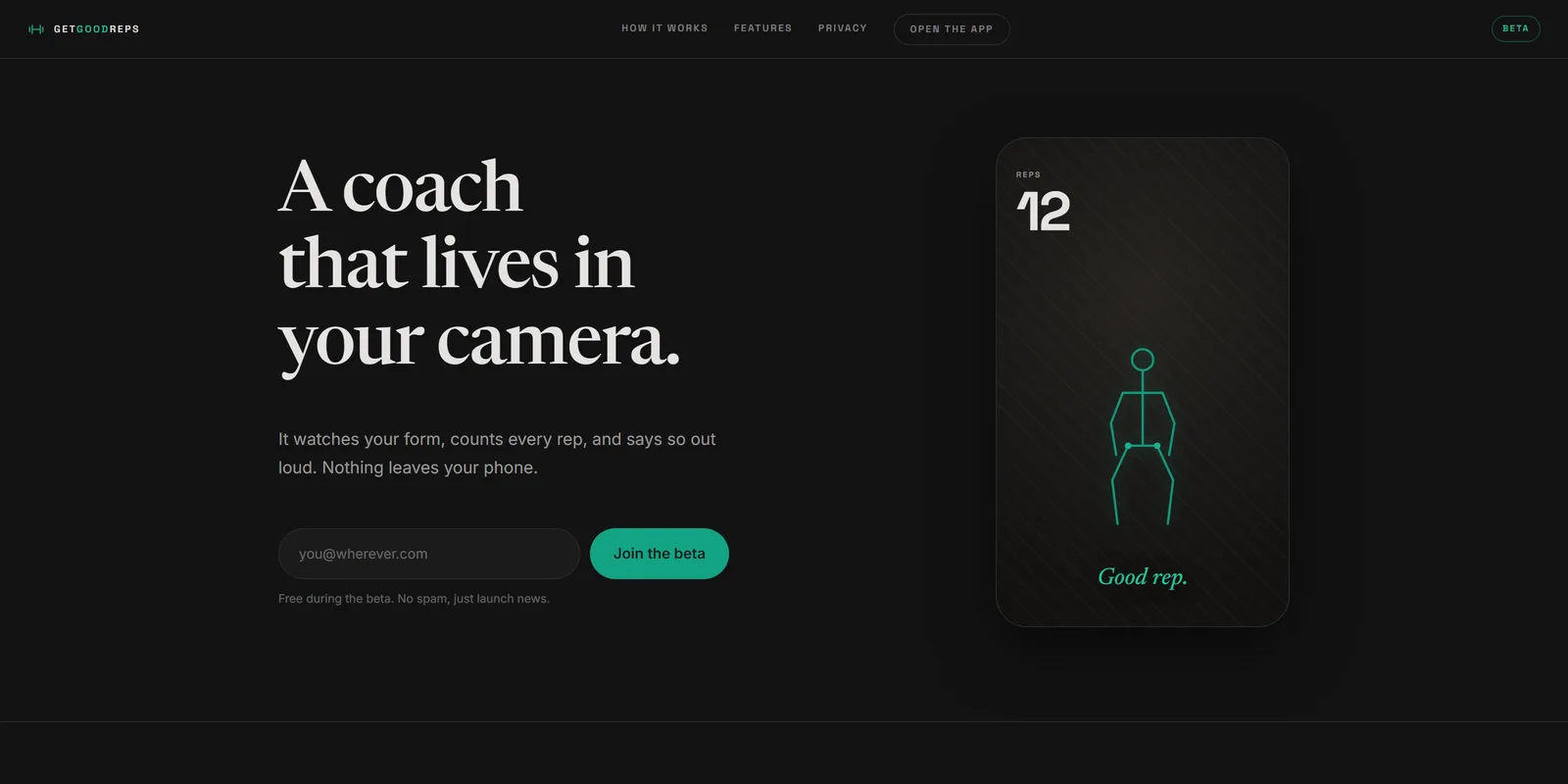
goodrep.fit (opens in a new tab) is a coach that lives in your camera. Prop the phone up, do the set, and it watches your form, counts every rep, and says so out loud. It runs entirely on the phone: no video is uploaded, no server sees a frame, and there is nothing to pay for per rep.
It is in beta. The first person it has to earn a place with is me, on real sets, week over week. That is the bar before it is anyone else's.
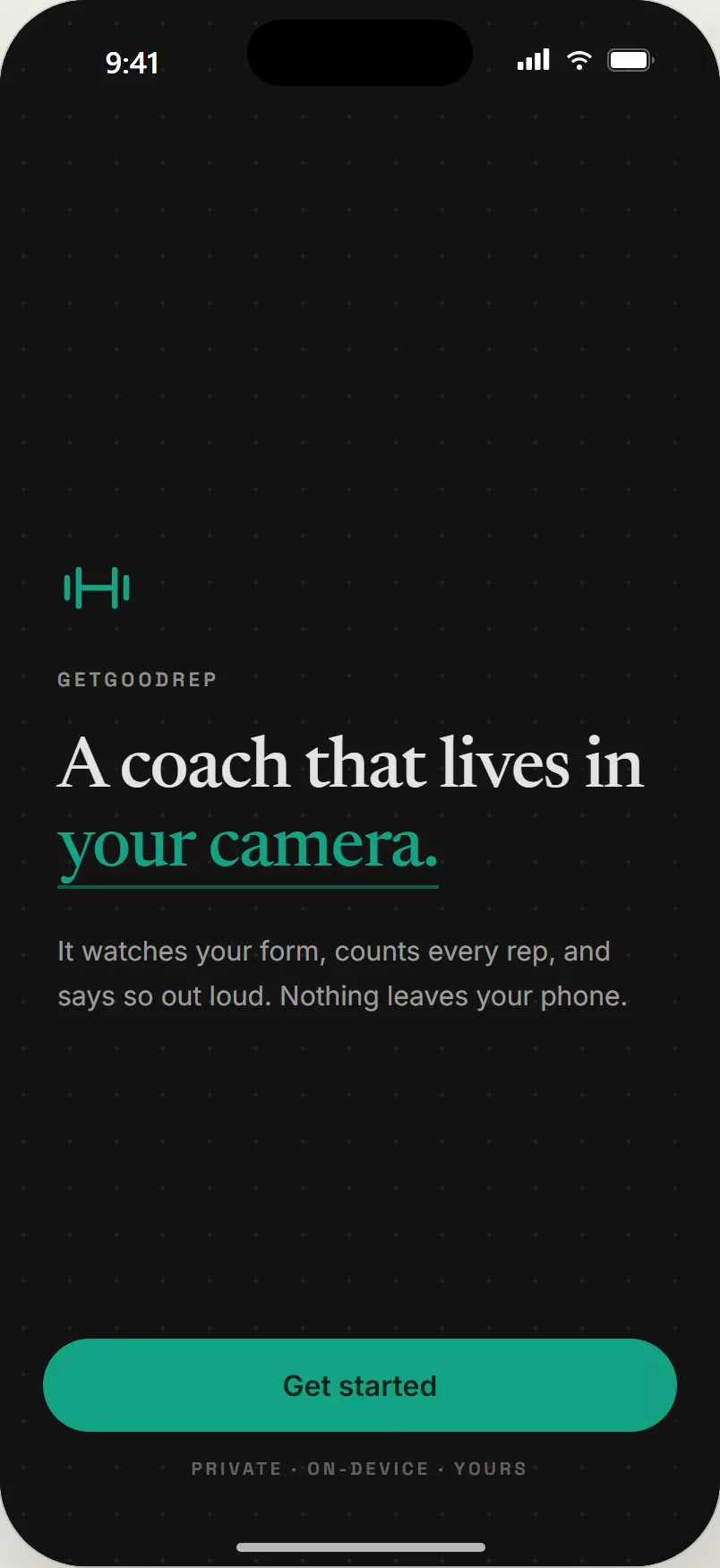
01Get started. The one-line promise, and nothing to sign up for.
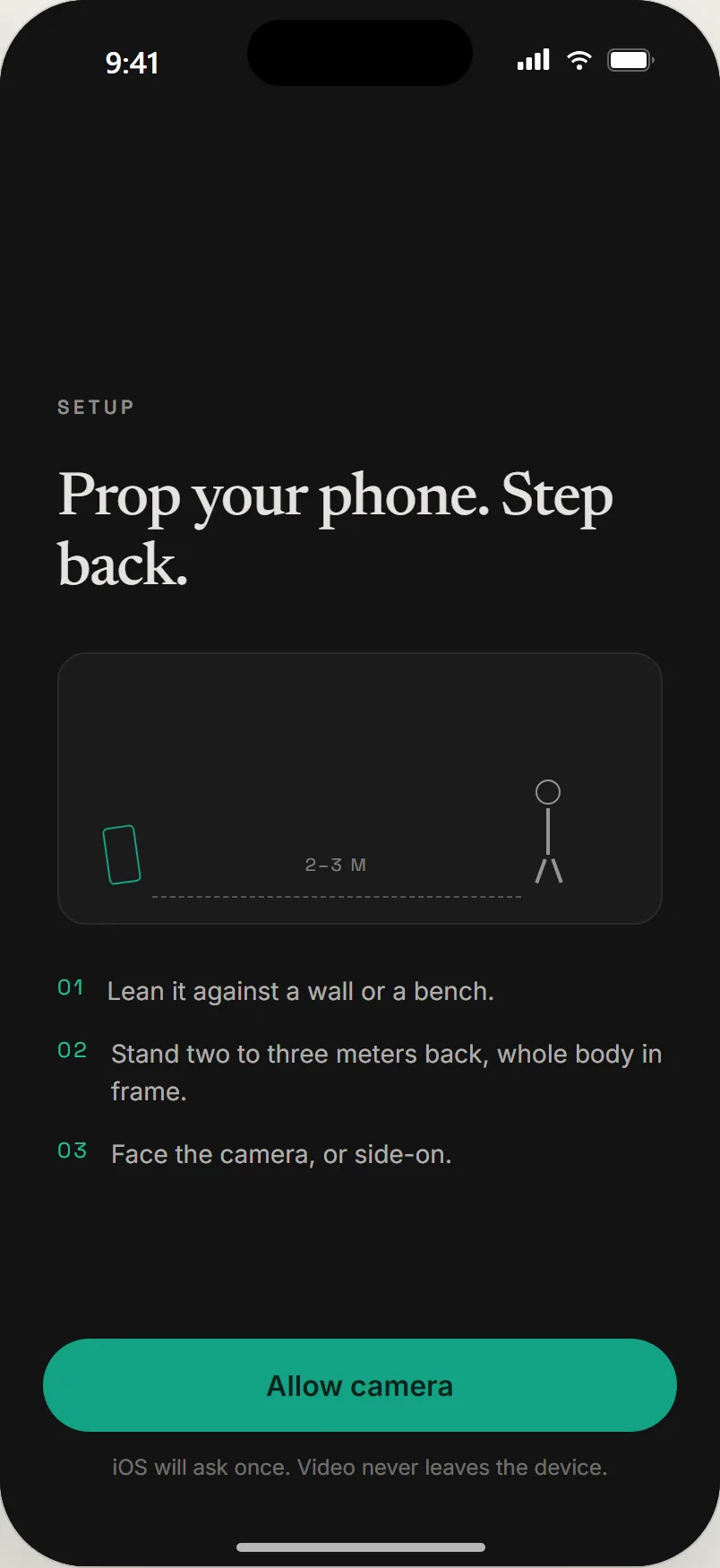
02Prop the phone, step back. iOS asks for the camera once.
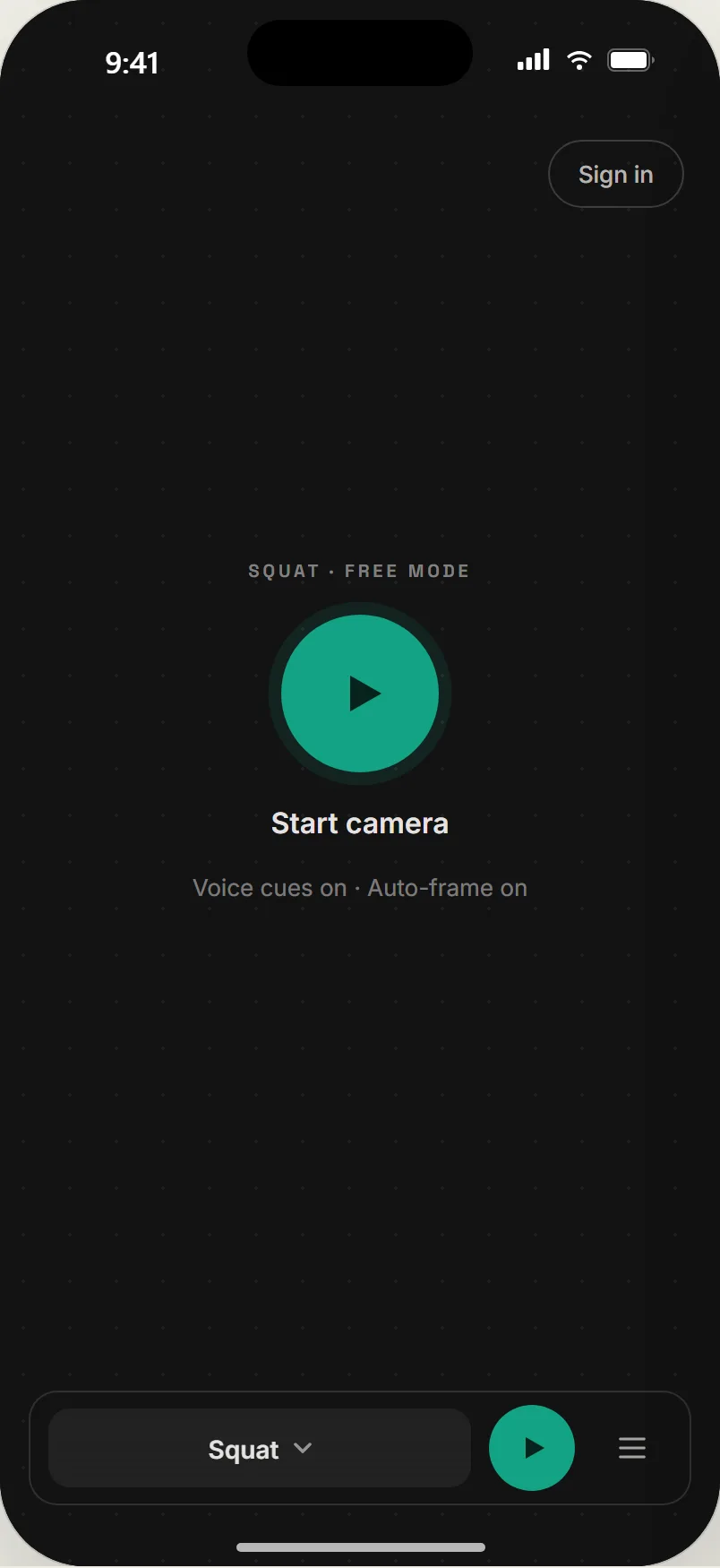
03Start camera. Camera on is not tracking on.
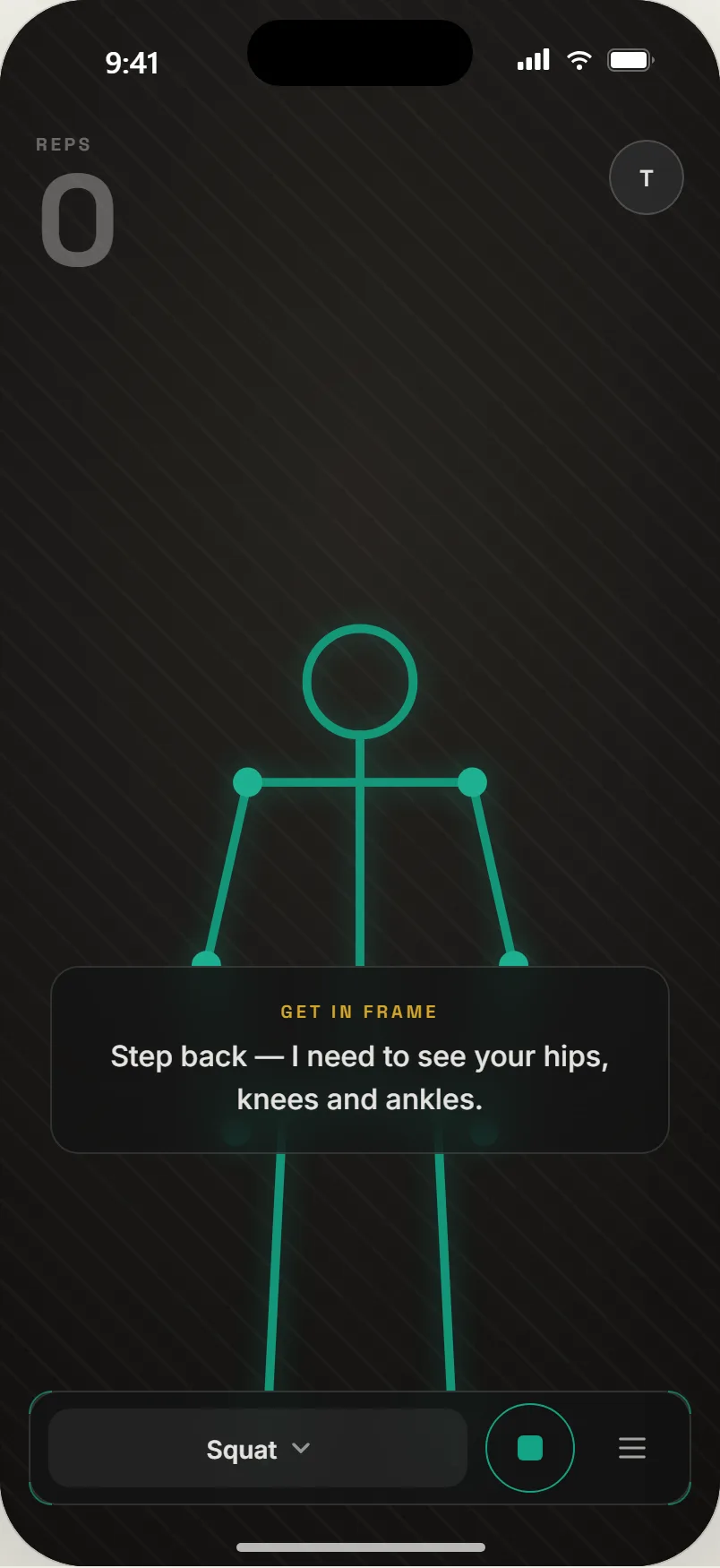
04Framing. The coach says what it needs to see.
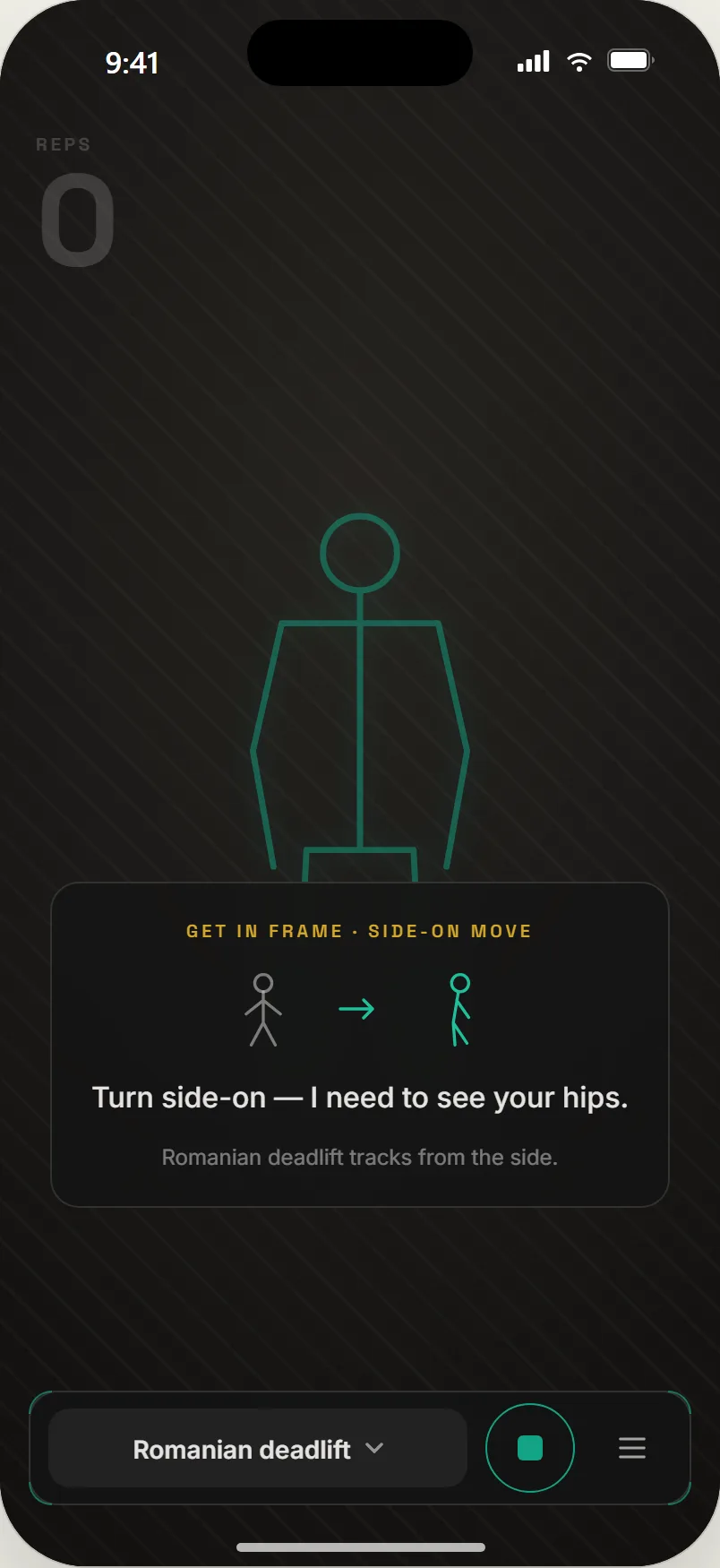
05Side-on. Some movements track from the side, and it says which.
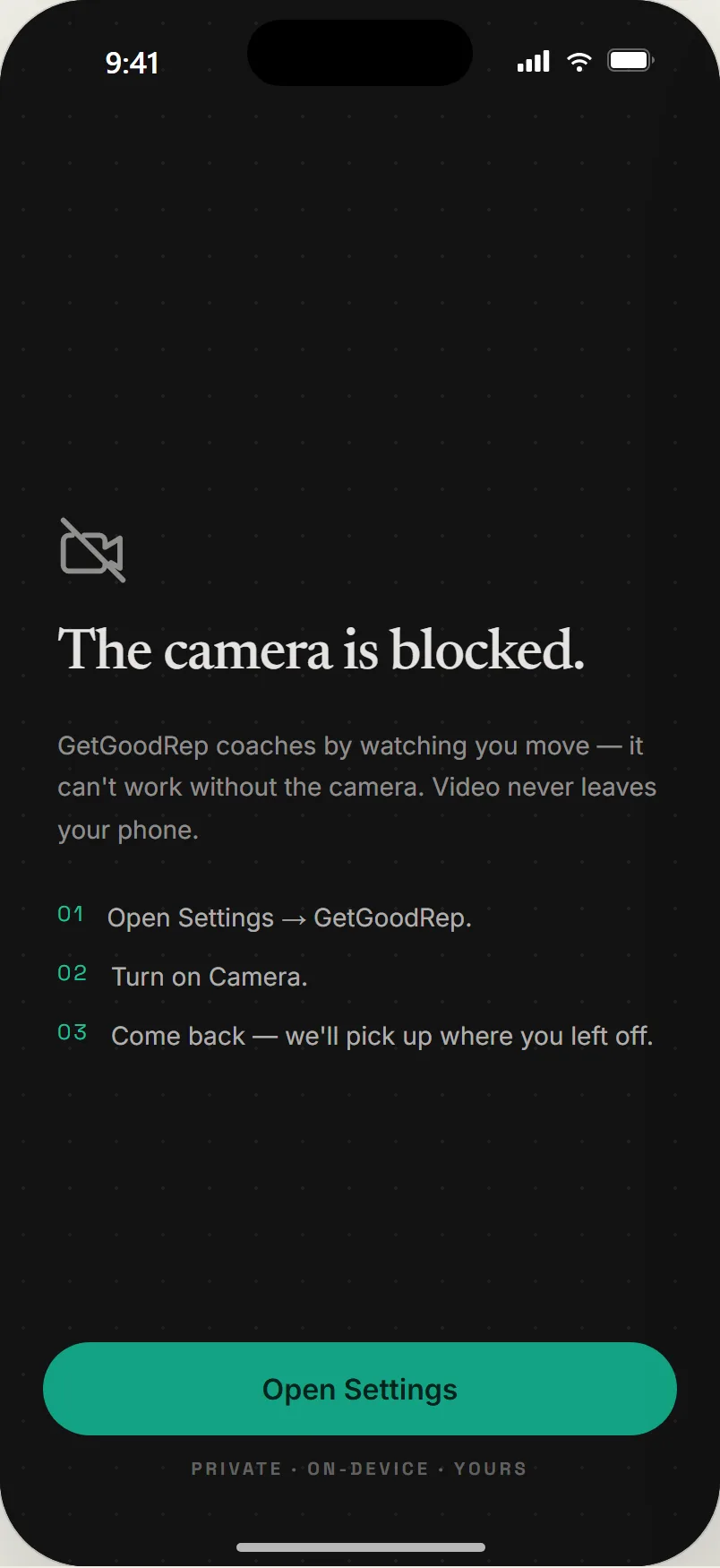
06Blocked camera. How to fix it, and no dead end.
What it is
- It sees the rep you actually did. Pose estimation runs on the phone, a rep engine reads the joint angles, and a rep only counts when it is a rep. Twelve movements at last count, from squats and lunges to rows, presses, and curls.
- Your range, not a chart. A guided calibration captures your own range of motion per exercise, and the coach judges you against that, not a textbook angle. Your ranges live on your profile and can be remeasured.
- Coach from across the room. Hands-free control from three meters away: a palm-out to arm the coach, a gesture to log the set. The gestures come from the same pose landmarks, are gated by state so they cannot misfire mid-rep, and the coach teaches them by voice as you go.
- Earned, not neon. Clean reps build a combo, combos multiply XP, and milestones land on the You tab. A quiet mode turns all of it off for people who just want the count.
- Your AI writes it. I run it. A Plan tab that takes a routine written by whatever AI you already use and runs it, set by set, with the coach watching.
- Nothing leaves your phone. That is not a privacy policy. It is the whole architecture.
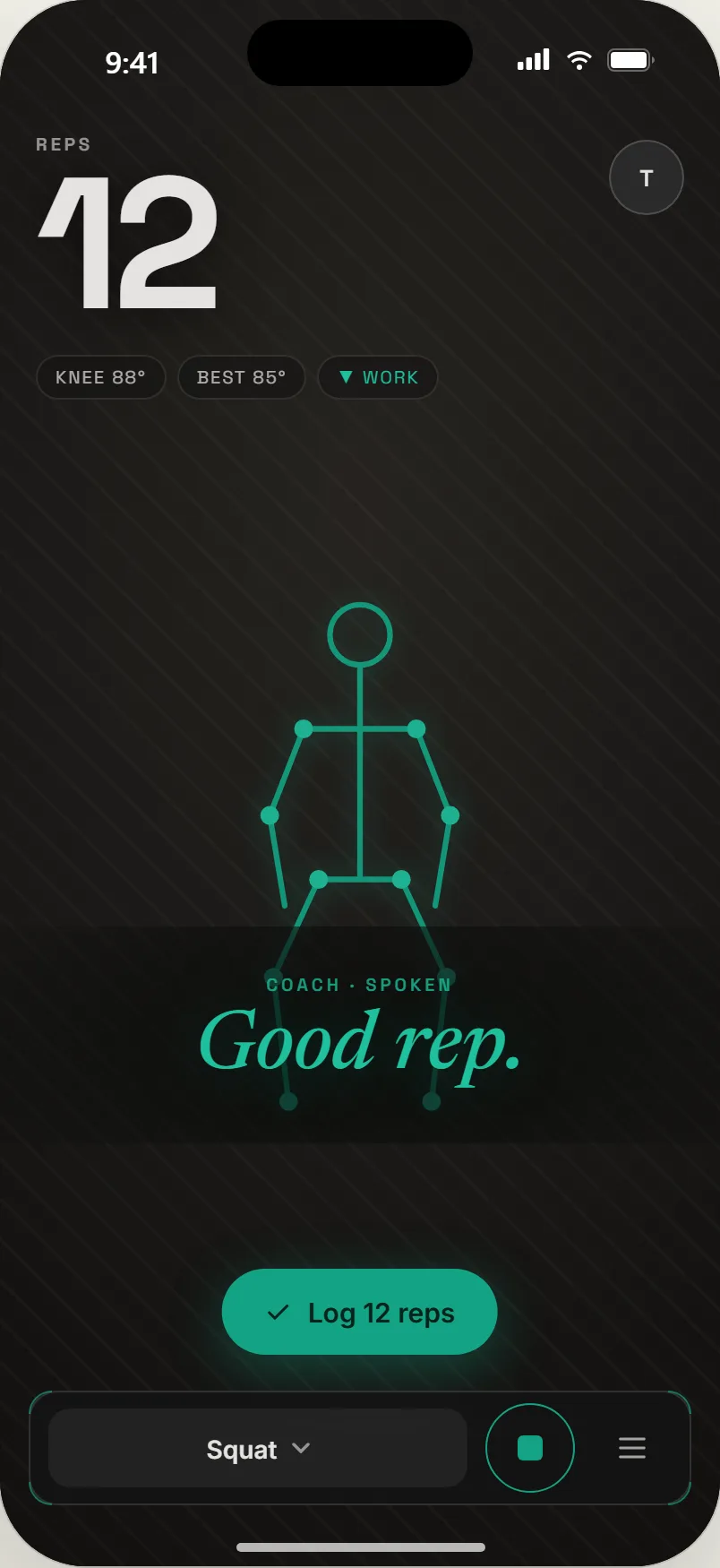
01Live. Rep count, your knee angle, and the cue, spoken.
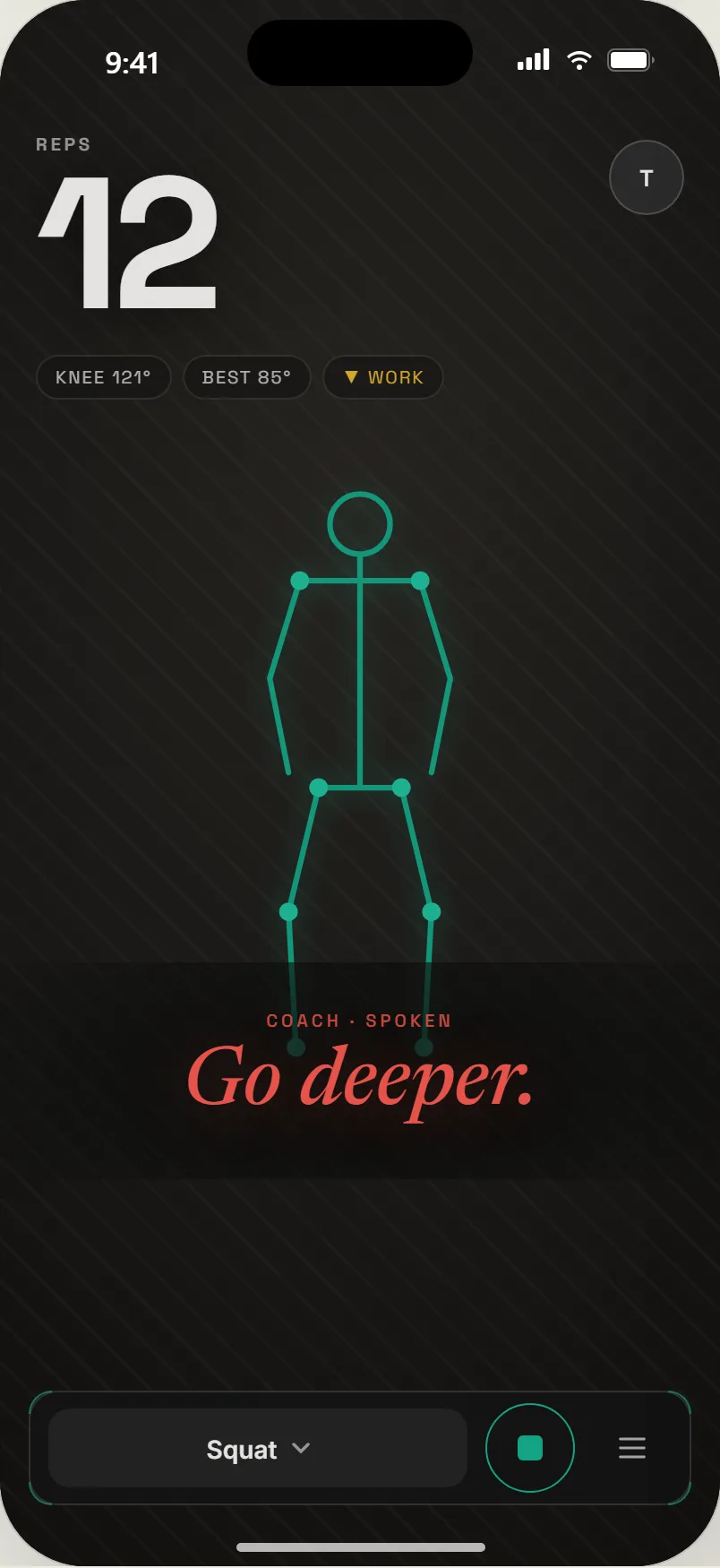
02Corrective. A shallow rep gets called, not counted.
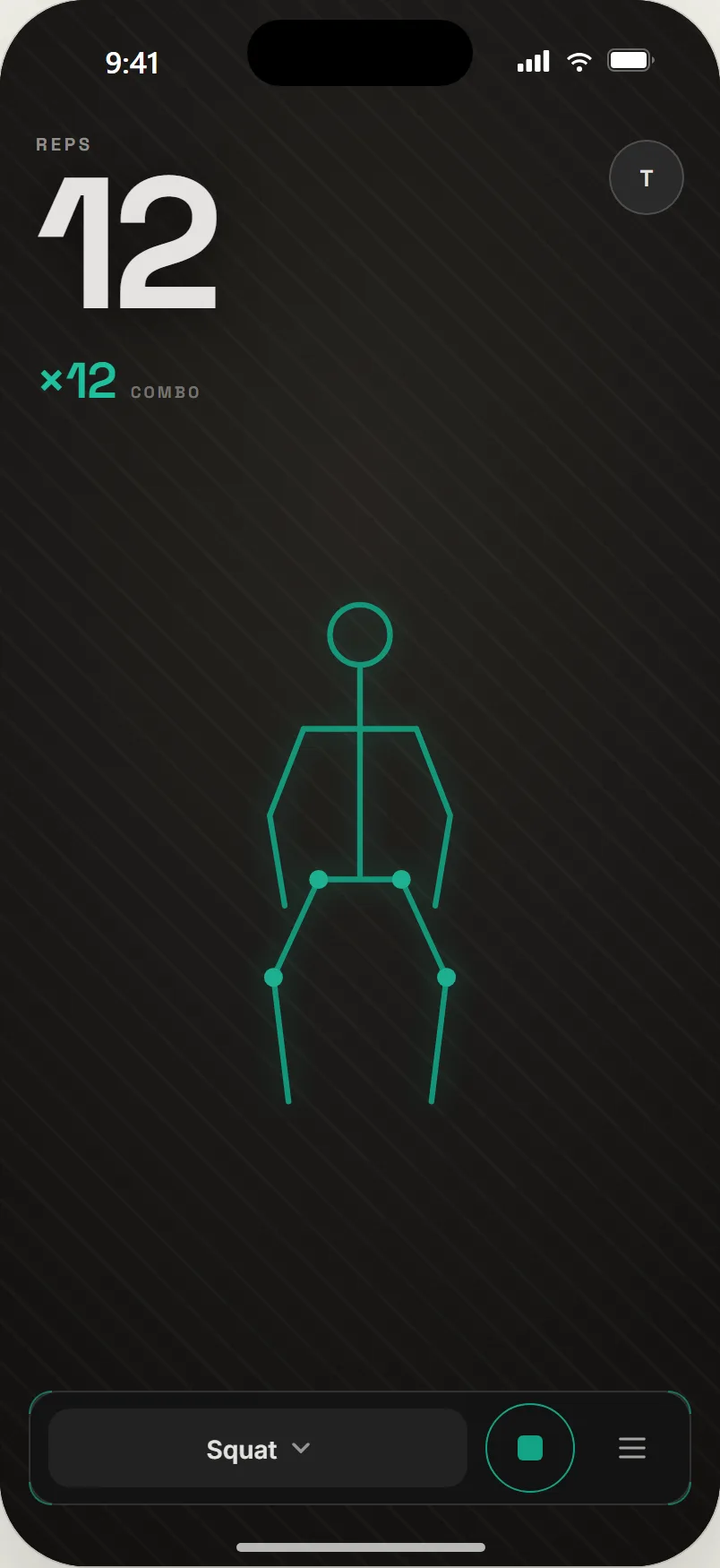
03Combo. Clean reps in a row build it.
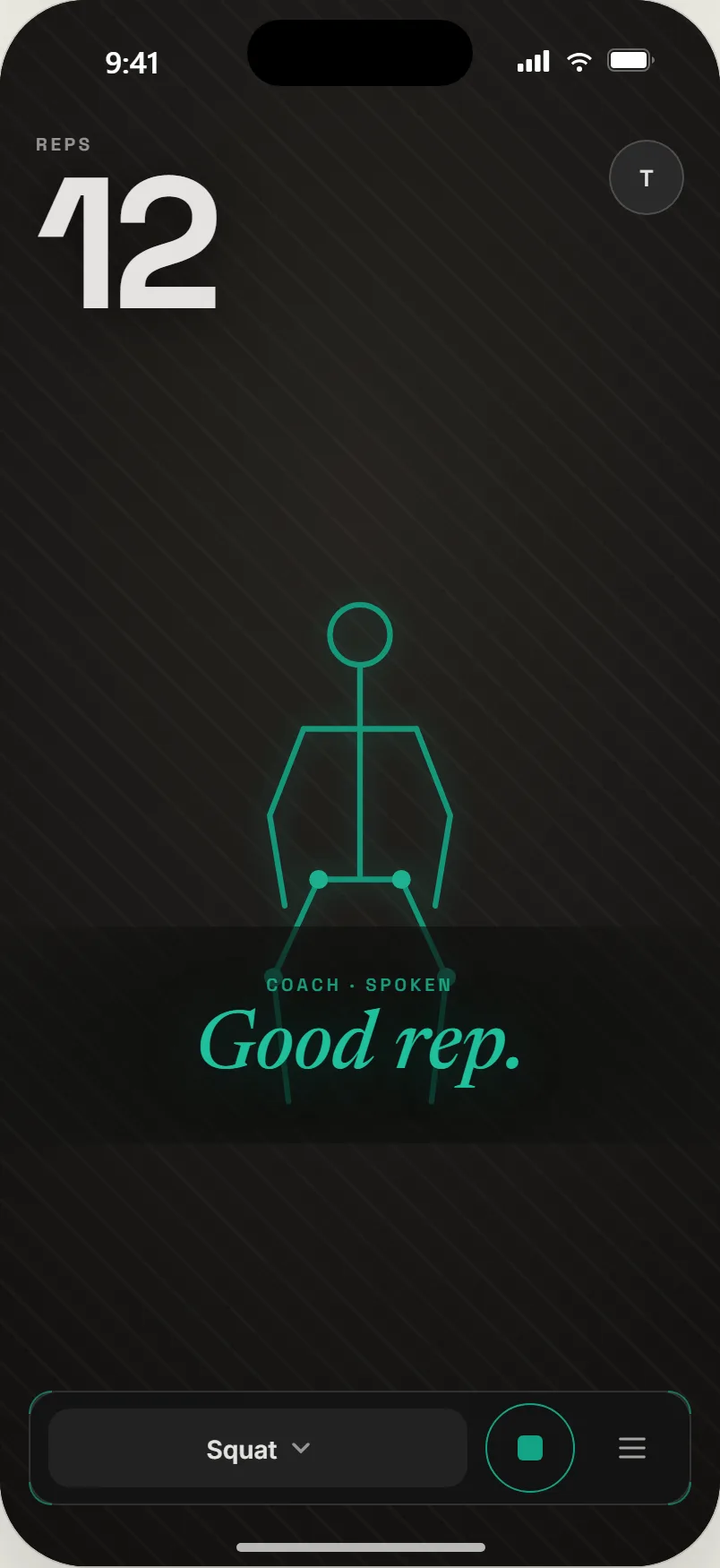
04Quiet mode. The same coach with the score turned off.
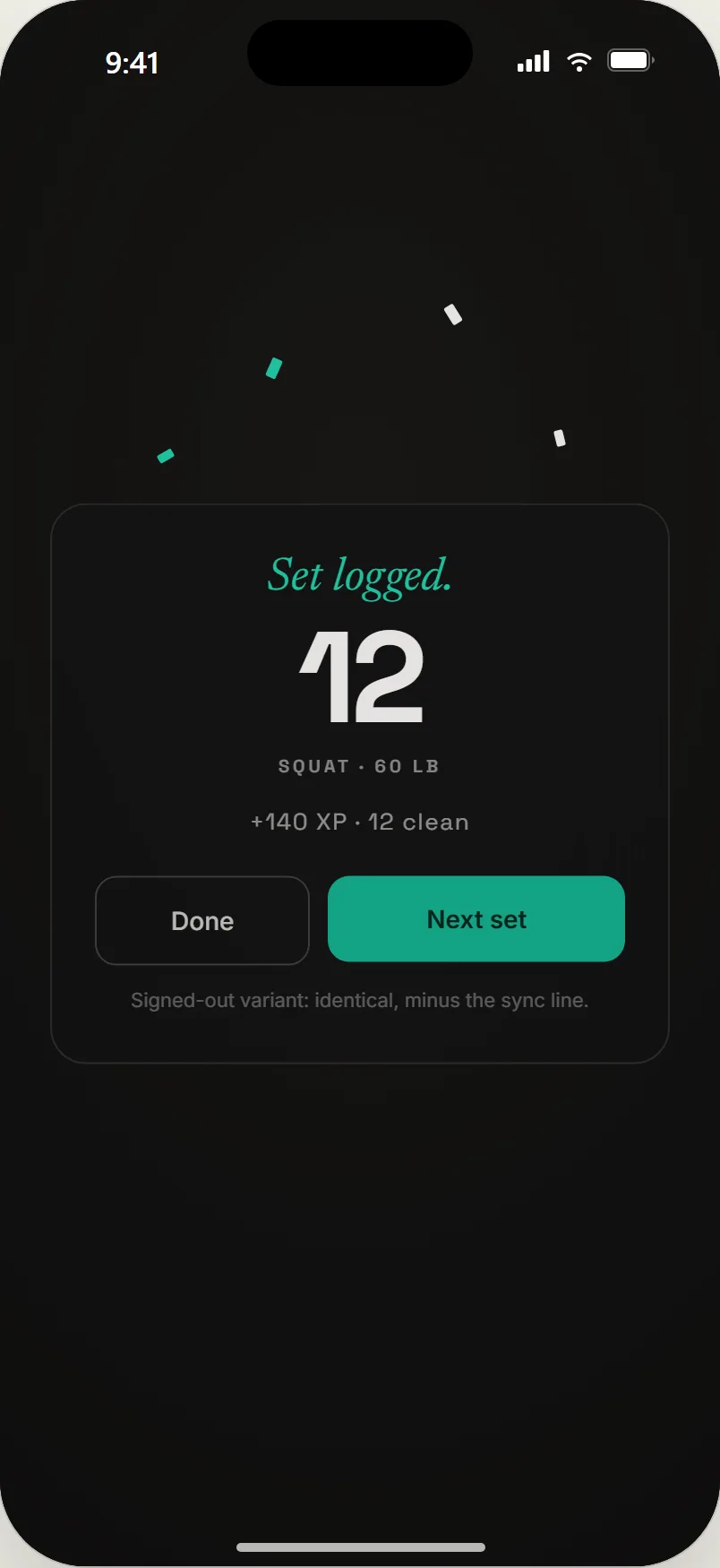
05Receipt. What the set was worth, then the next one.
 On-device is the product decision everything else follows from: private by construction, and free to run at any scale.
Why I built it
Every form-coaching app I could find did one of two things. It uploaded your video to a server and charged you for the inference, or it did not watch you at all and called set logging "coaching." The tracking apps are good at the log. None of them can tell you the rep was shallow.
The bet was a third thing: real-time, on-device, private form coaching in a plain web app that installs like a native one. Nothing leaves the phone, so there is nothing to protect and nothing to pay for. If the coach is good enough to trust, the economics take care of themselves.
How it is built
- Pose on the phone. MediaPipe's BlazePose runs in the browser and feeds a generic rep engine. Exercises are entries in a registry, so adding a movement is a definition, not a rewrite. The library went from five movements to twelve in one wave.
- Camera on is not tracking on. Starting the camera does not start counting. A READY gate arms the coach with a palm-out hold, so a set begins when you say so, not when you walk into frame.
- Calibration overrides the defaults. The per-exercise range you capture resolves over the registry's defaults, so the coach's thresholds are yours.
- A voice, not a screen. Cues are spoken through the browser's own speech synthesis, because you are not looking at the phone mid-set. The coach speaks the relevant gesture at each state transition.
- Gestures are state machines. Hold rings, state gating, and a shipped gesture map that was reworked after real gym sessions, not designed once.
- Progress syncs, quietly. Combos, XP, and levels are computed on device and mirrored to an account when you sign in, so the free surface works without one.
- A design system called "Considered coach." Dark, typographic, restrained; medals rather than a slot machine. The marketing site and the app share the same tokens and the same 60px bar so they read as one product.
- Shipped as a PWA on Vercel. It installs to the home screen and updates itself. The root of the domain is the marketing page; the app lives one path deeper.
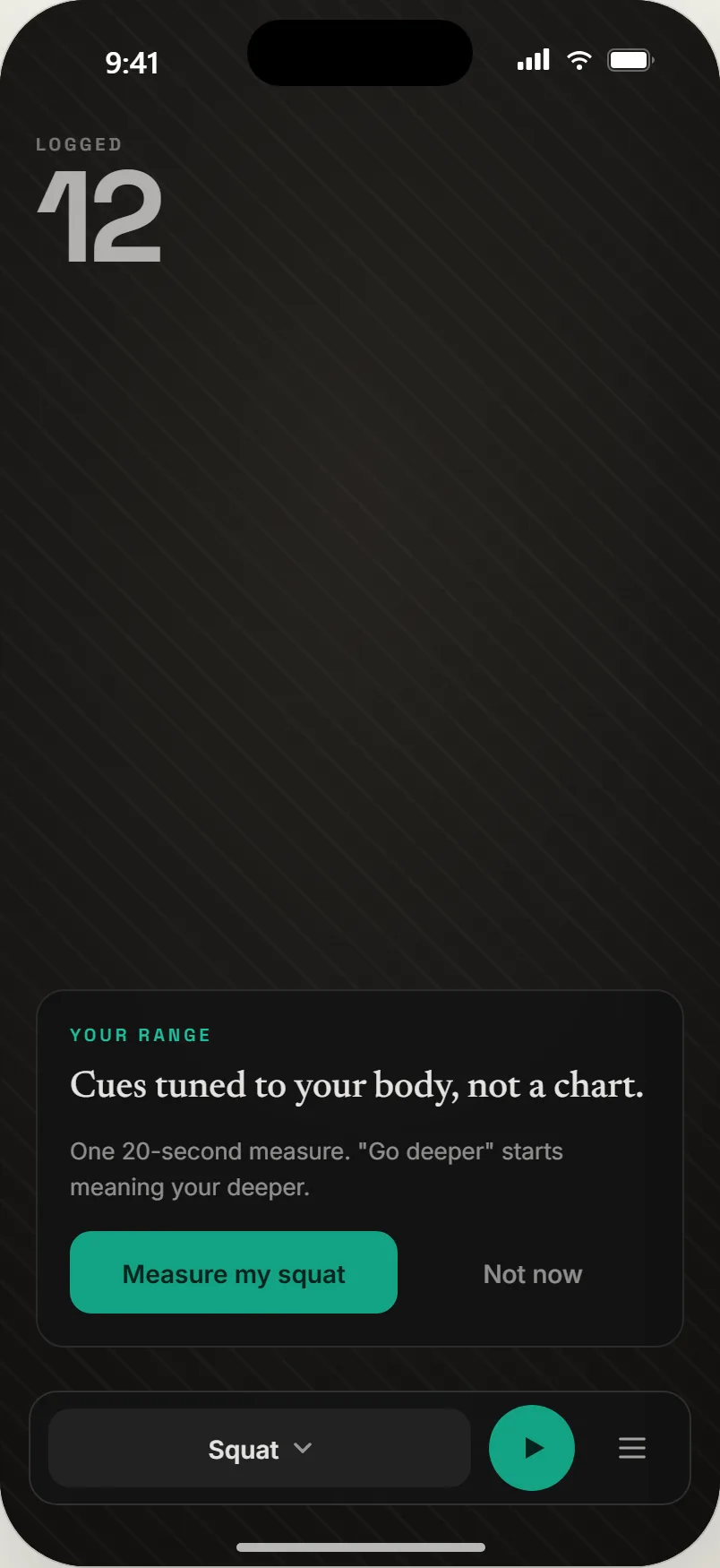
01The invite. Offered after a logged set, never forced.
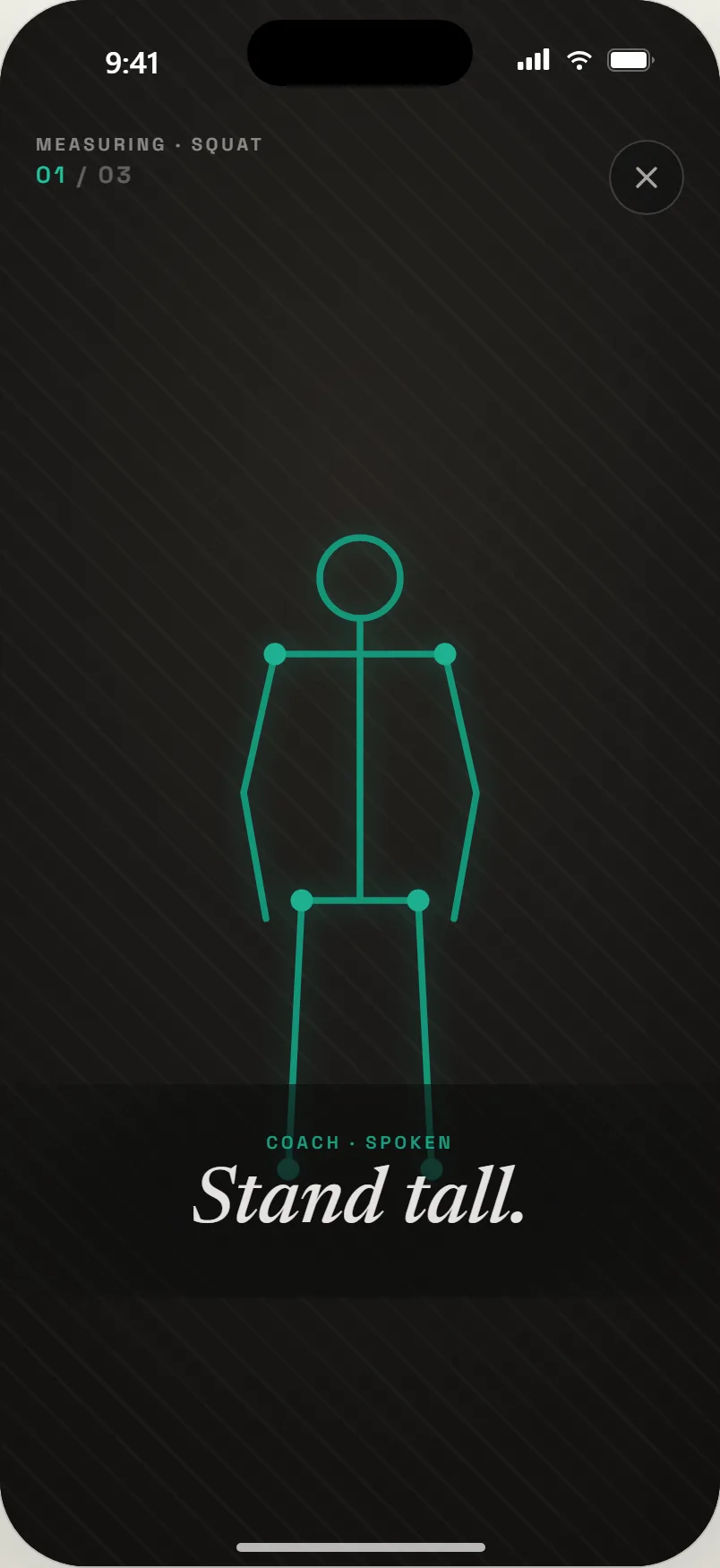
02Stand tall. Step one of three, spoken.
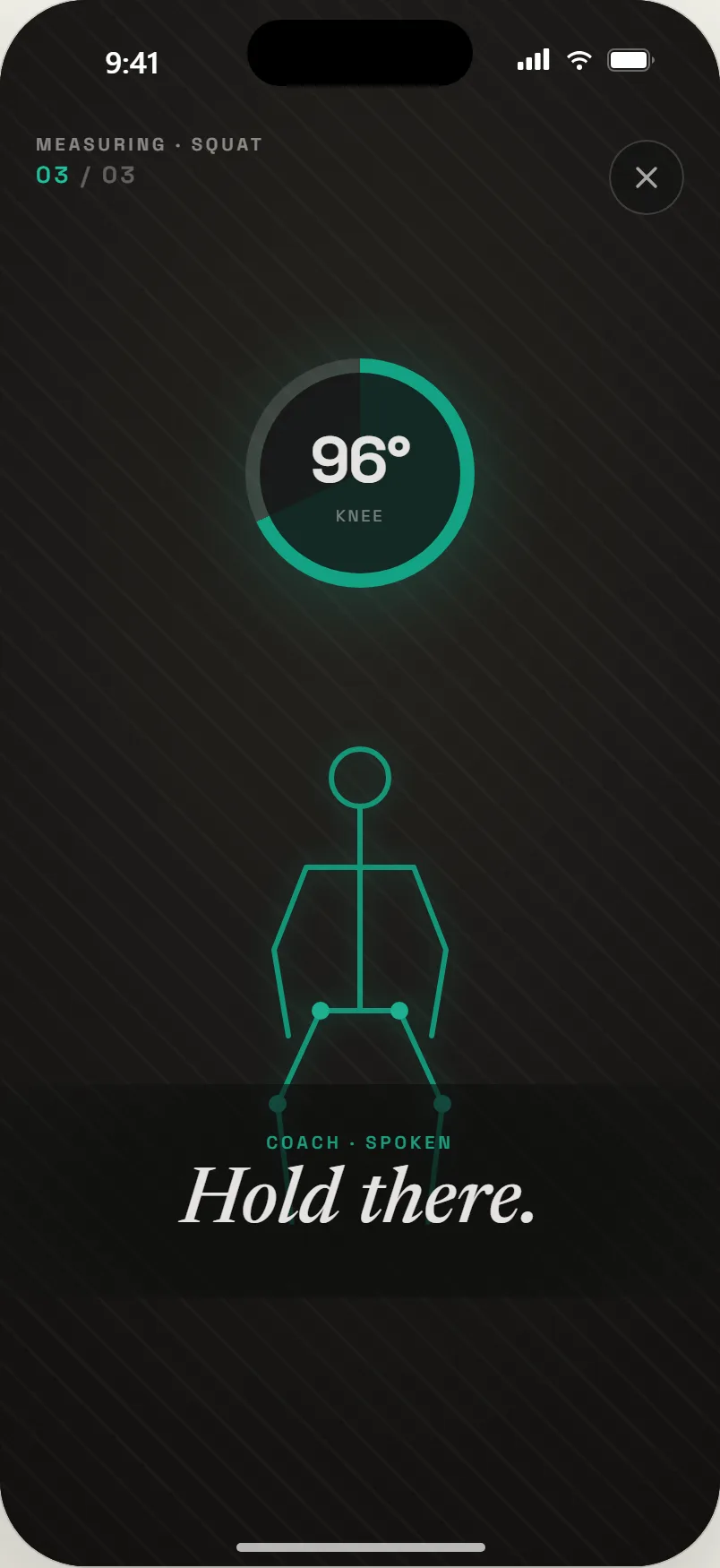
03Hold there. The ring captures your own depth.
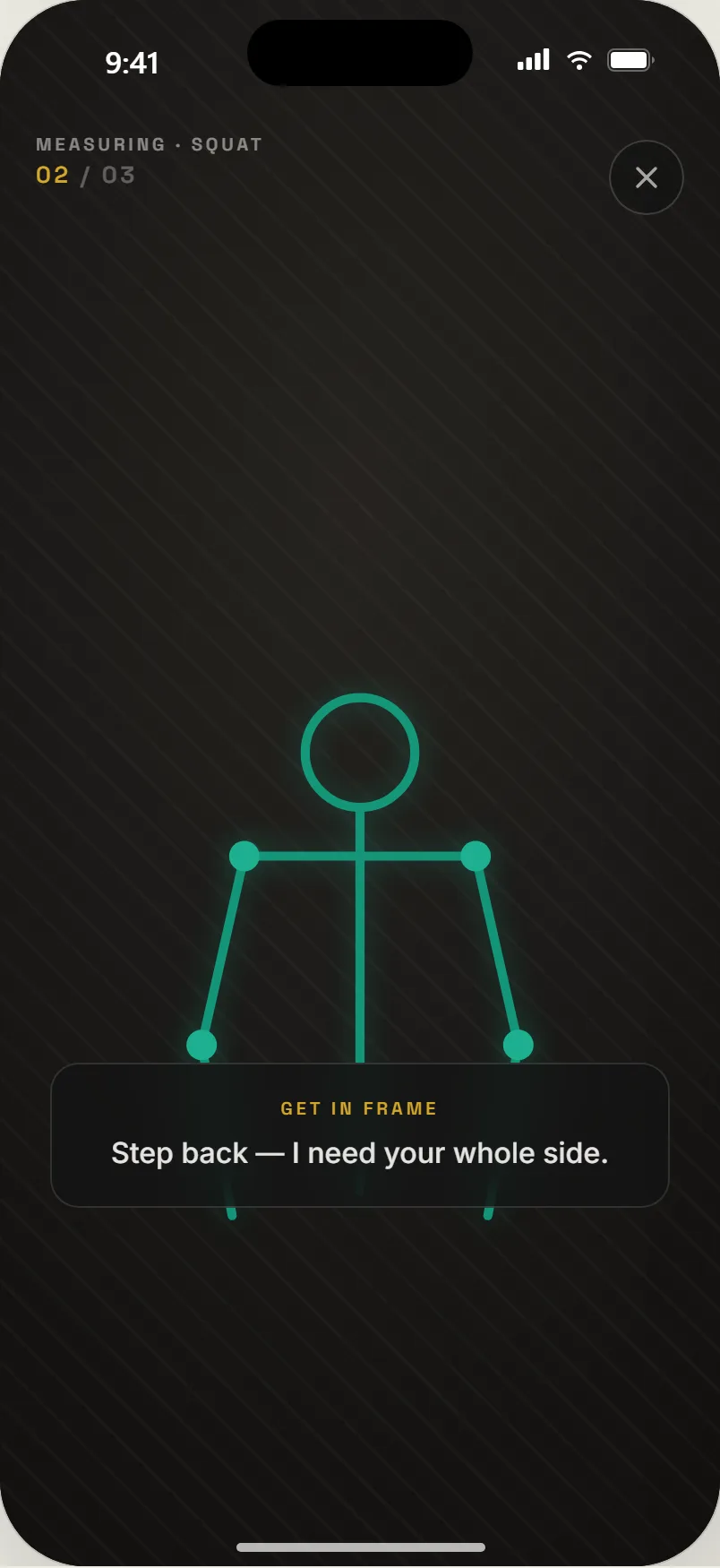
04Out of frame. The measure pauses and says why.
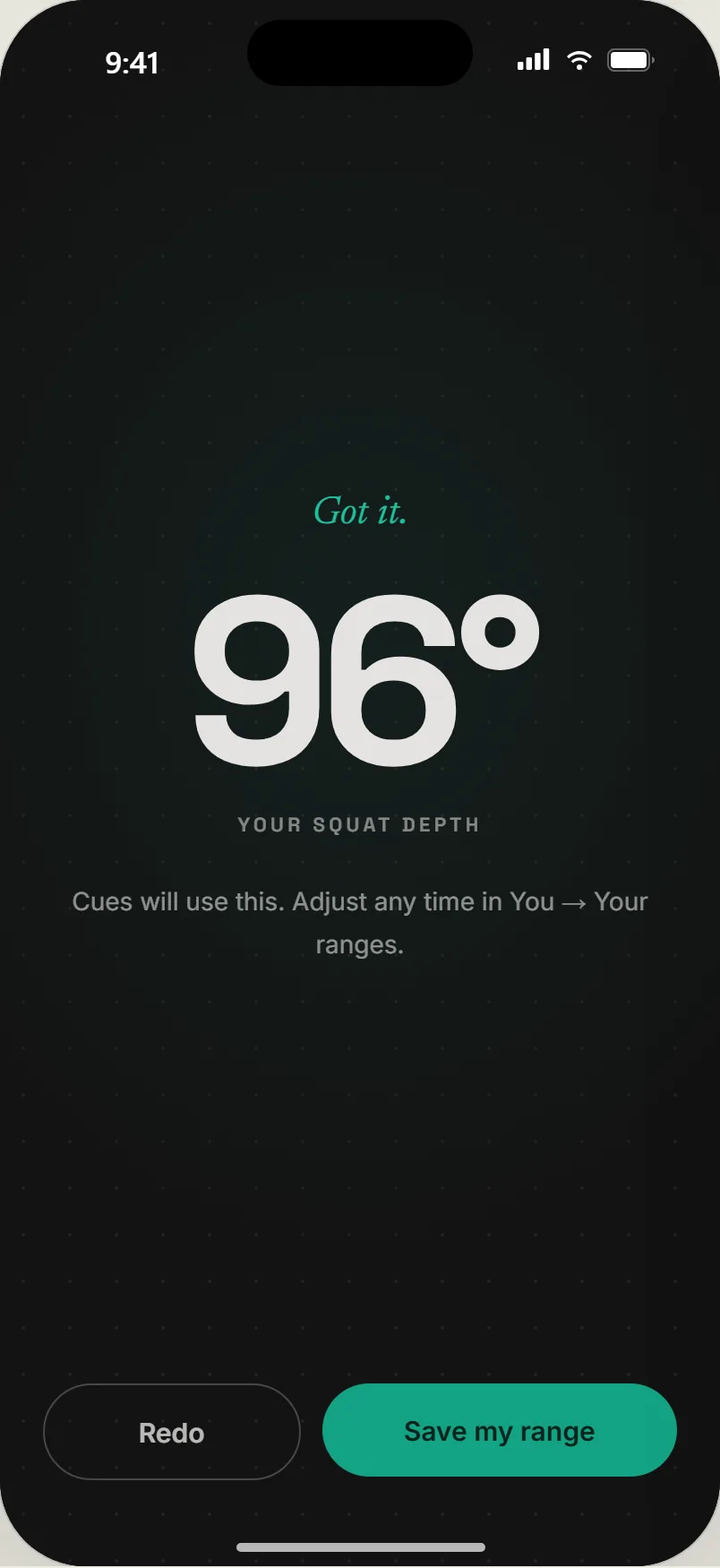
05Got it. Your number, and a Redo if that was a bad rep.
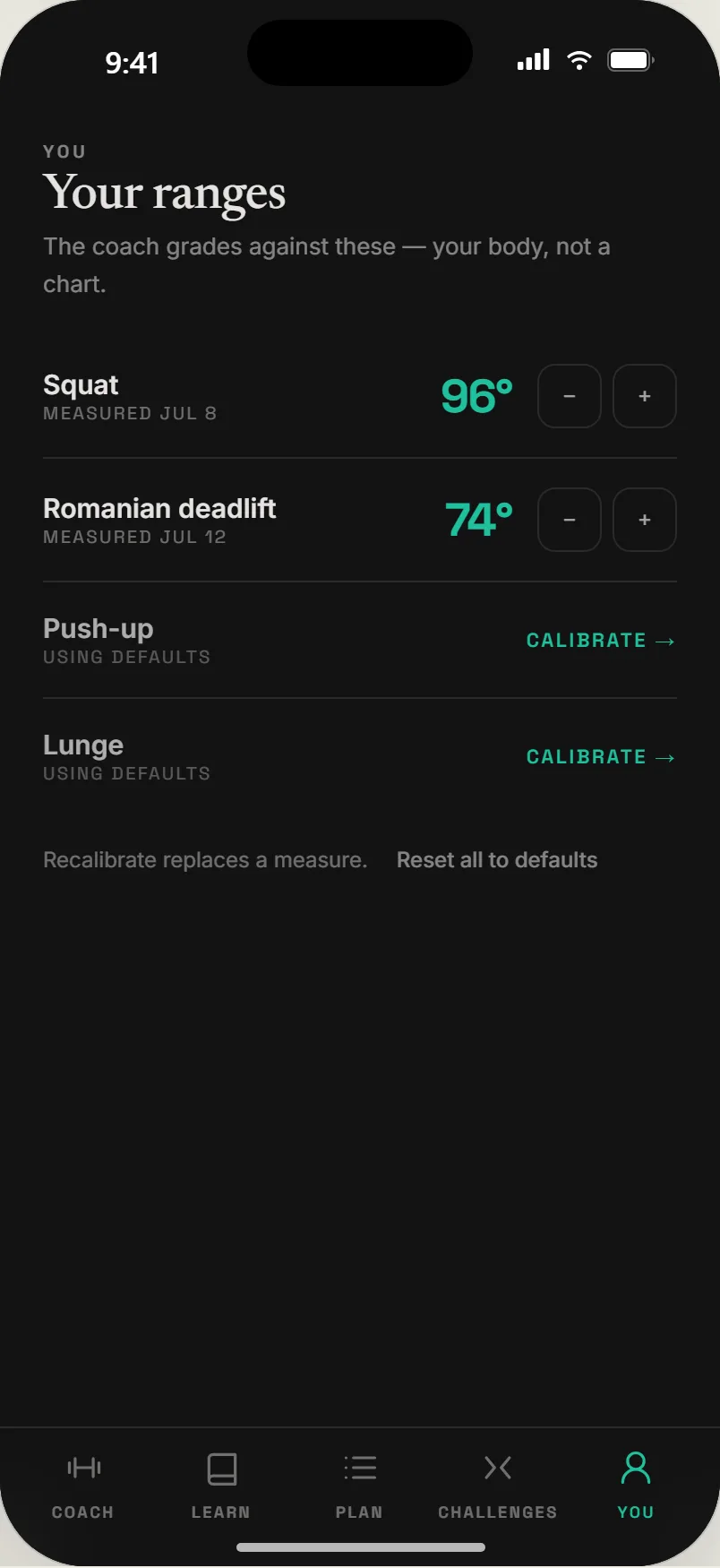
06Your ranges. Measured or default, per exercise, remeasurable.
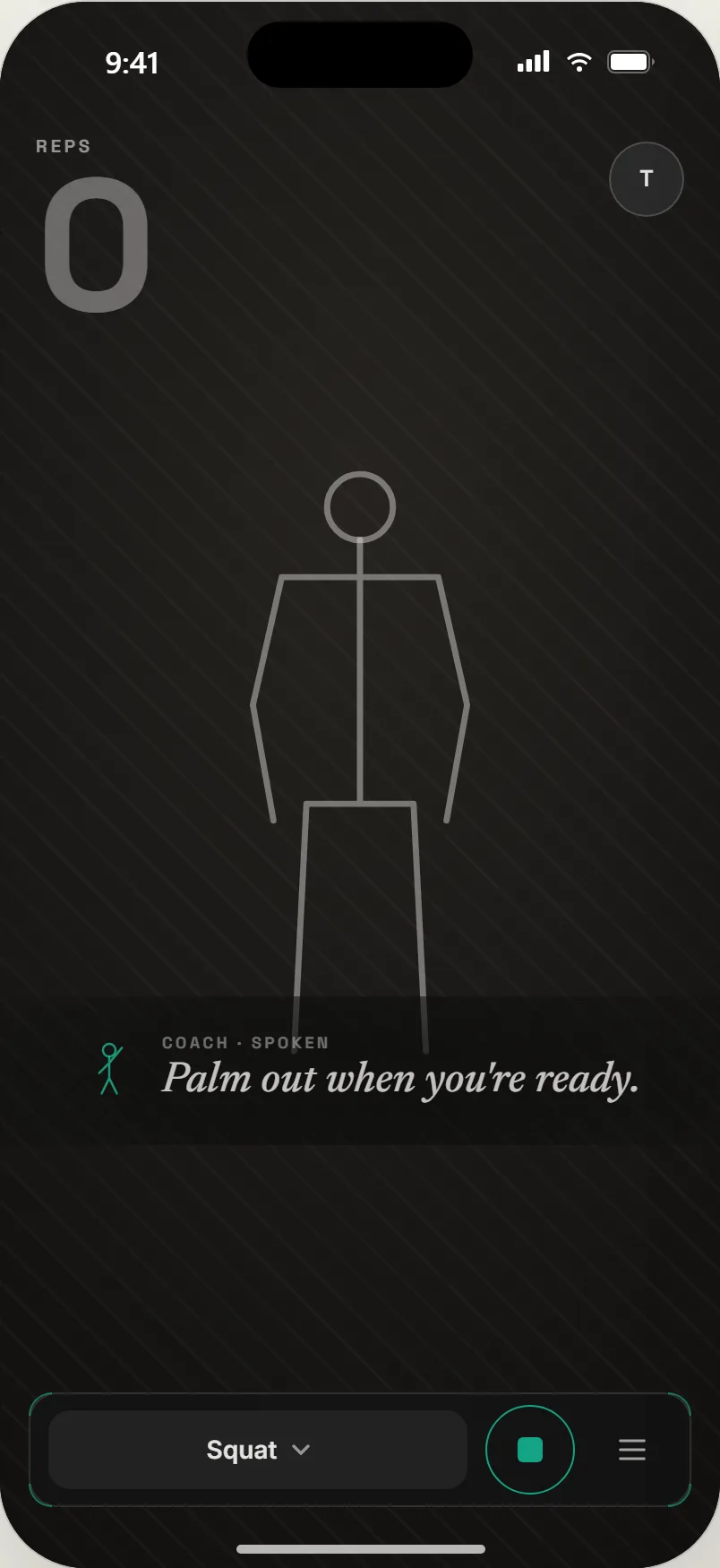
01Palm out to arm. Taught by voice, at the moment it applies.
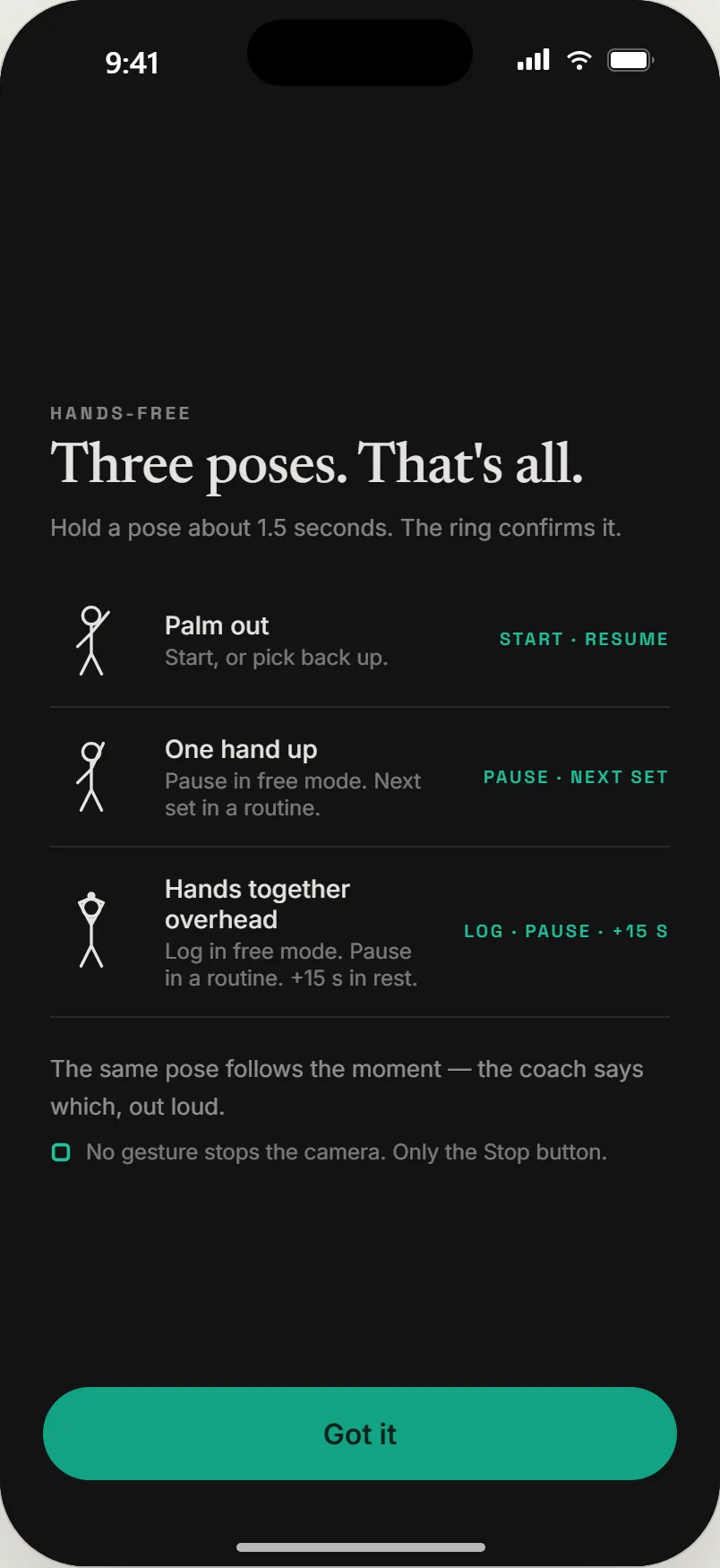
02Three poses. That's all. Start, pause, log.
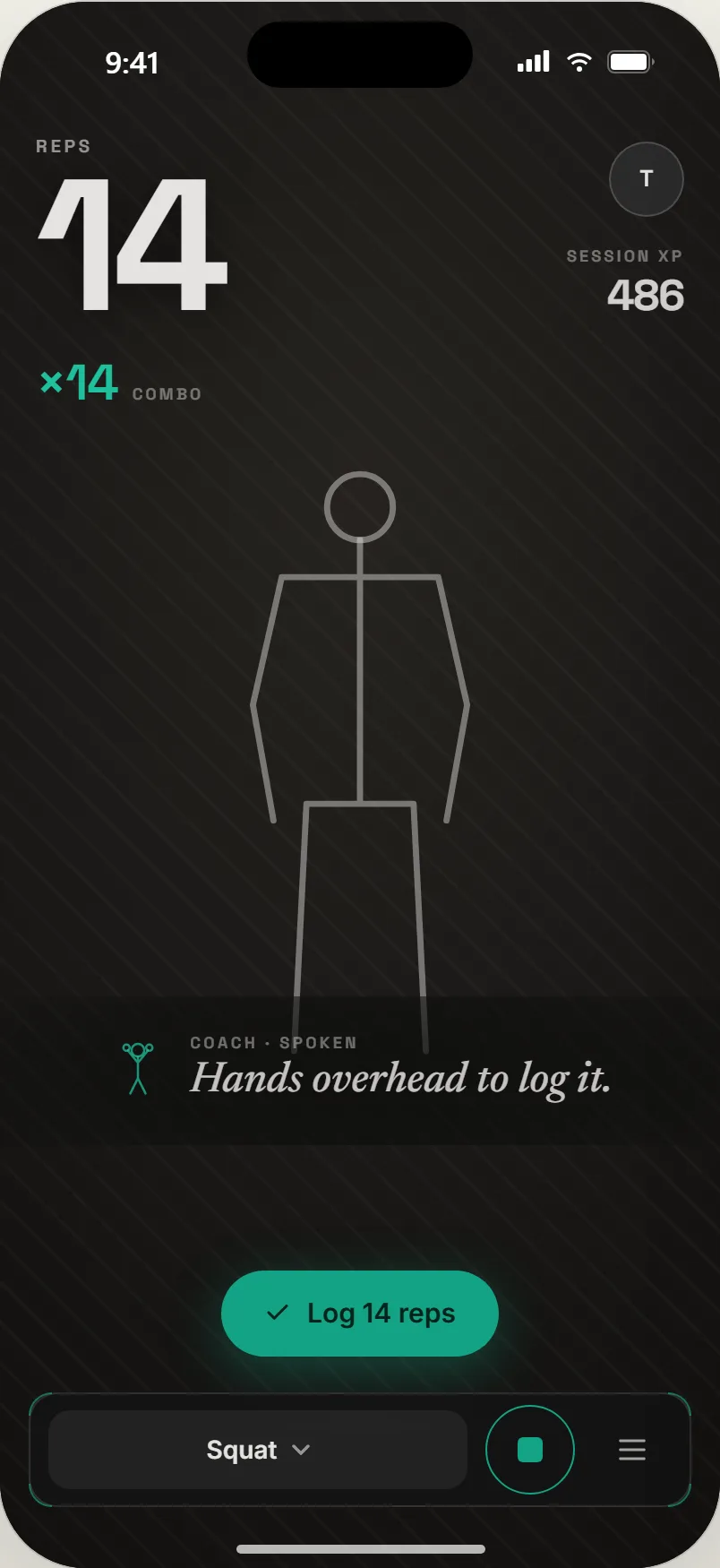
03Hands overhead to log. Taught when the set is done.
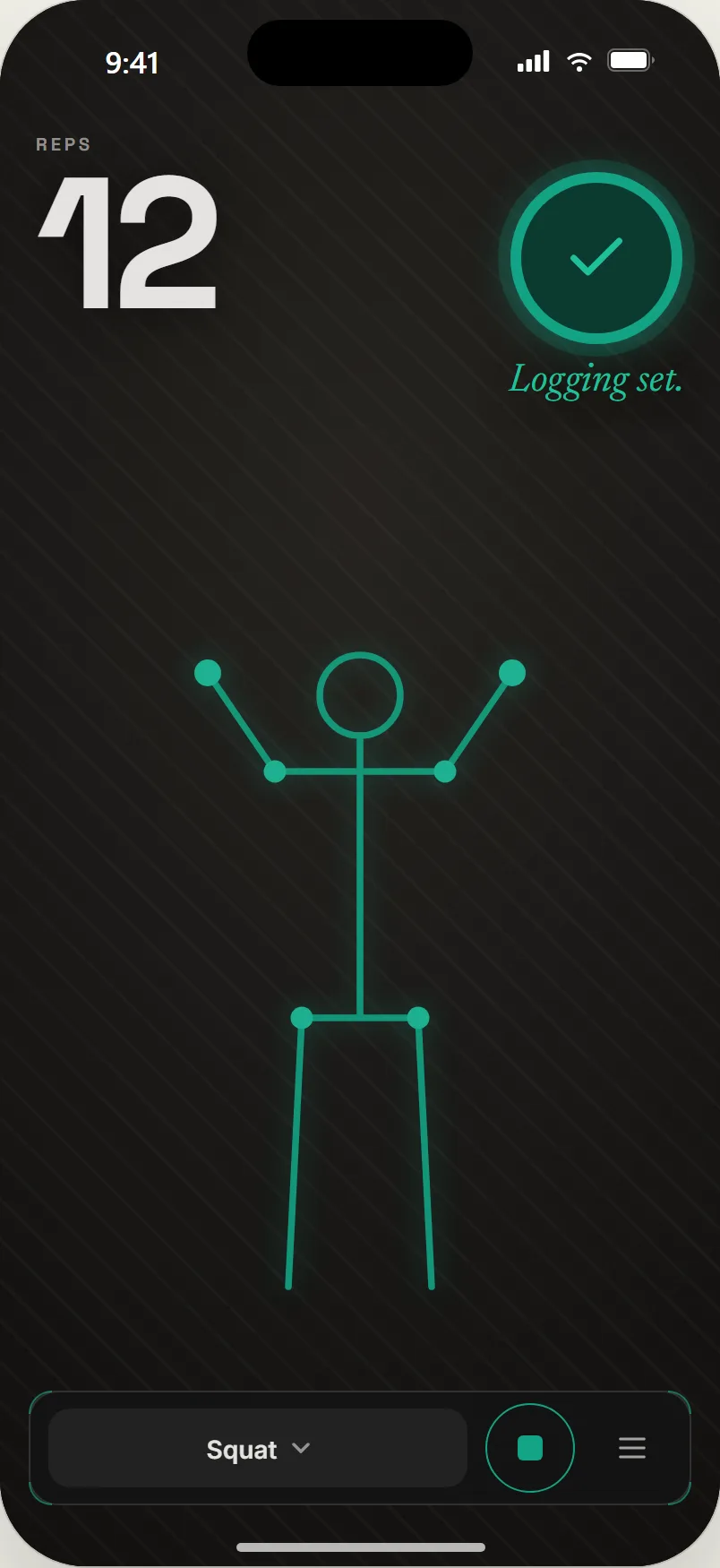
04Confirmed. The ring fills and the set logs; hands never touch the phone.
Where it stands
Live in beta at goodrep.fit, iterated through dozens of releases over the summer of 2026. The exercise library, calibration, hands-free control, combos and XP, spoken coaching, and the plan runner are all in the shipped build. Sign-ups are open on the site.
What is not done is the part that matters most: proof that the coach holds up in my own training, session after session. That is the next milestone, and the native phone port waits behind it.
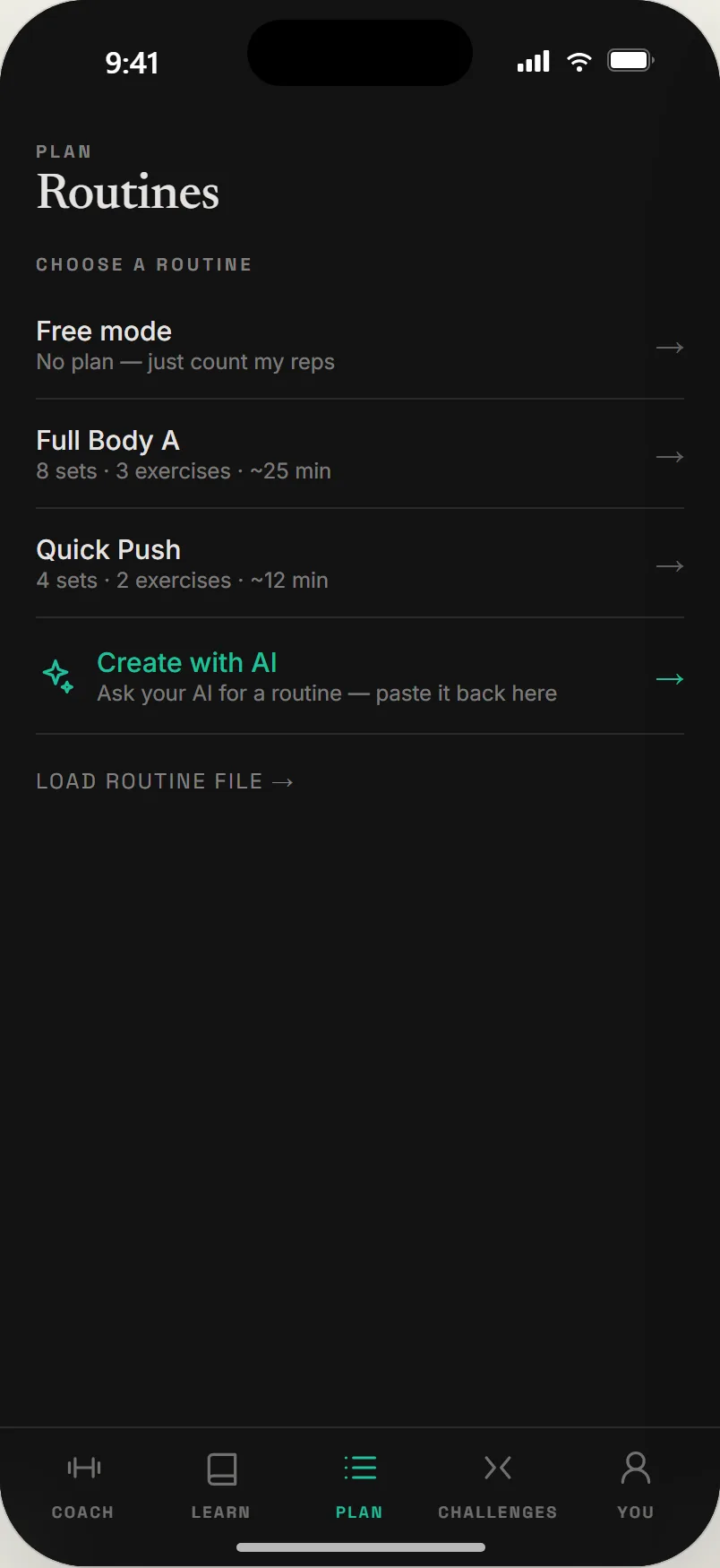
01Routines. Built-ins, or one your own AI writes.
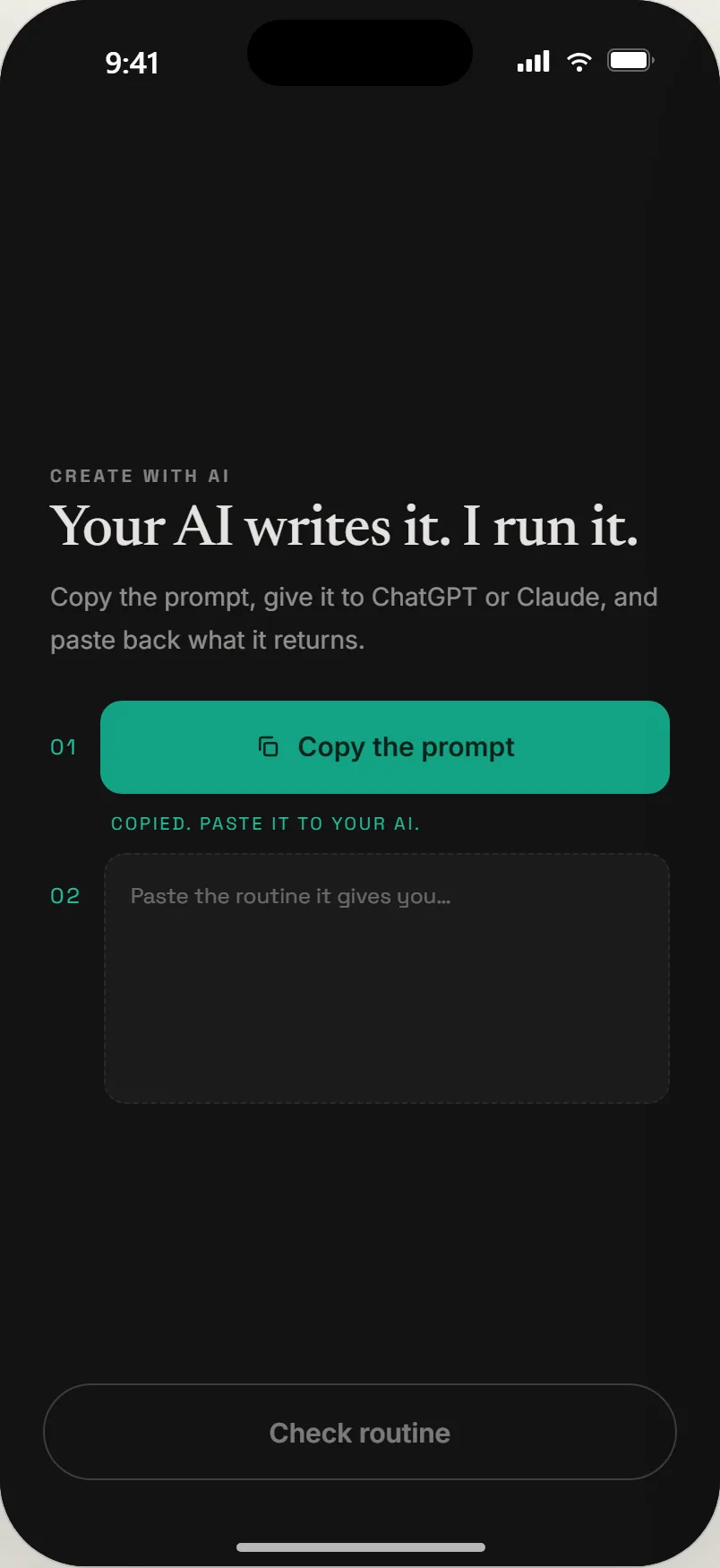
02Copy the prompt. Any assistant you already use.
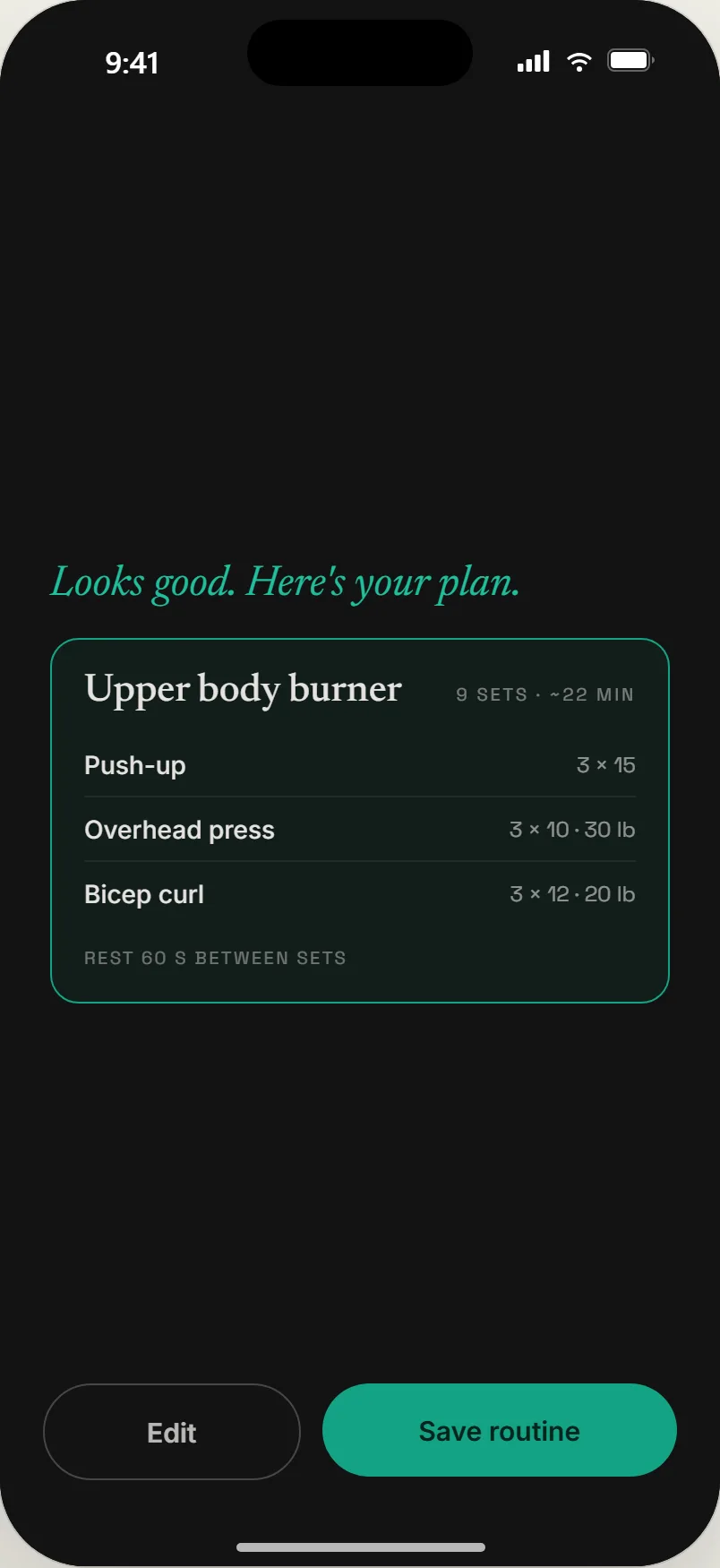
03Checked. The routine parses; save it.
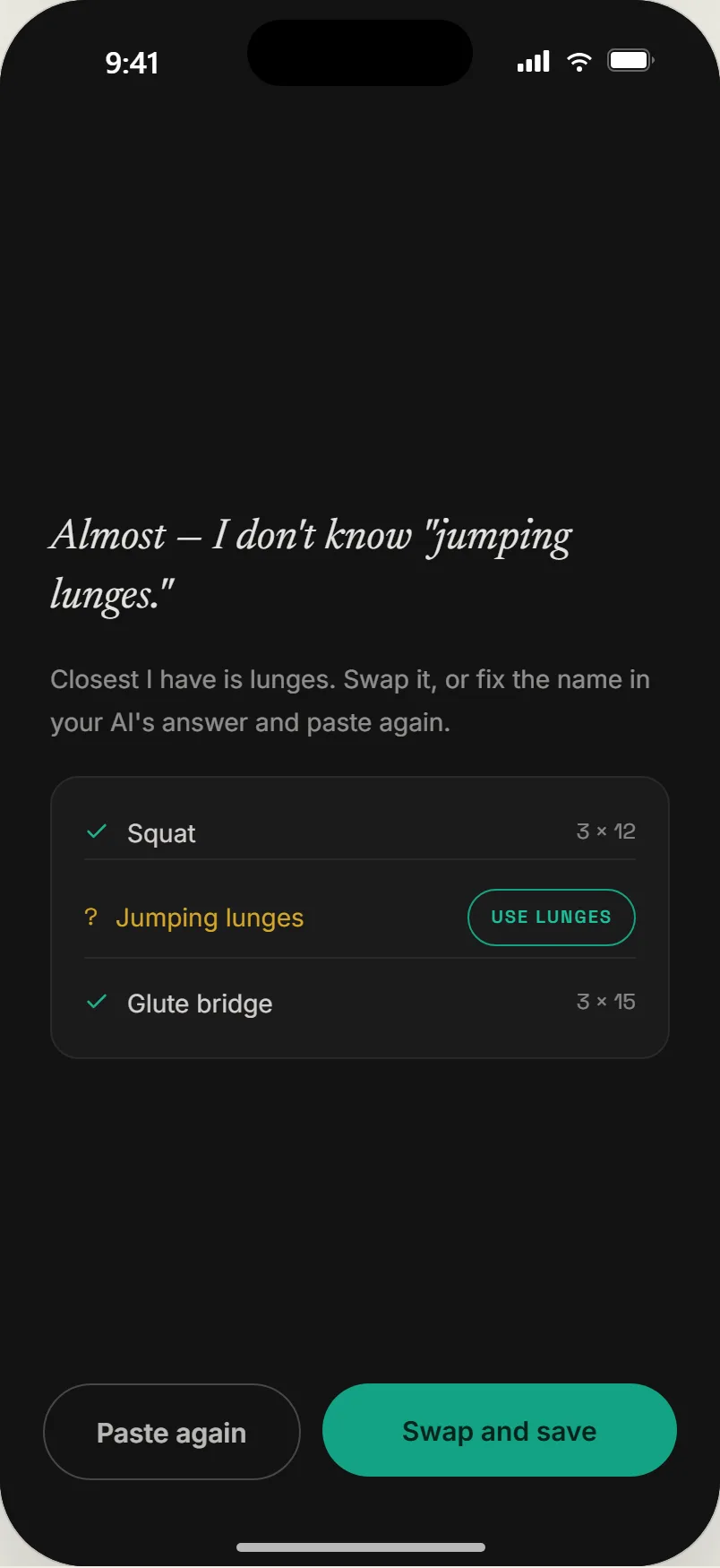
04Unknown movement. Named, with a one-tap swap.
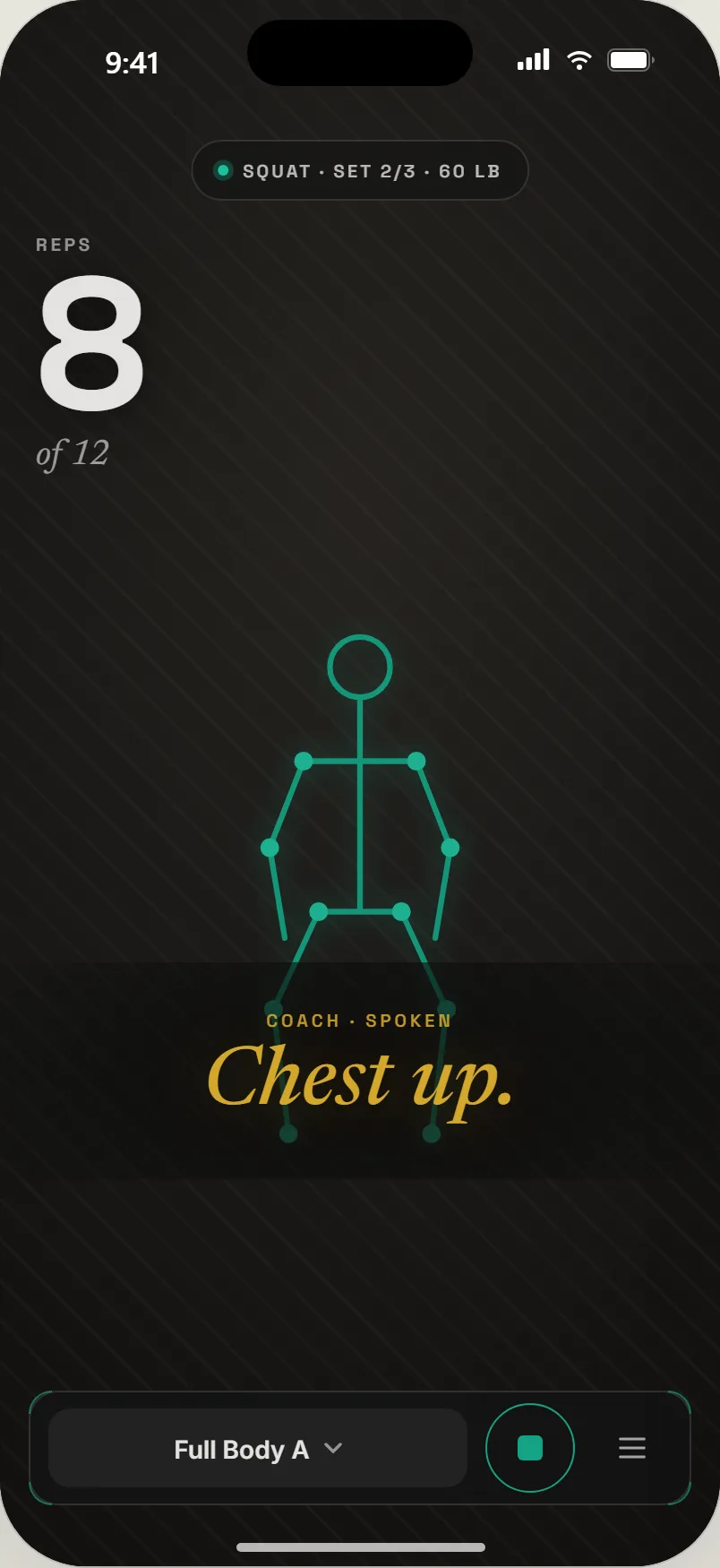
05Running it. Set 2 of 3, rep 8 of 12, cue spoken.
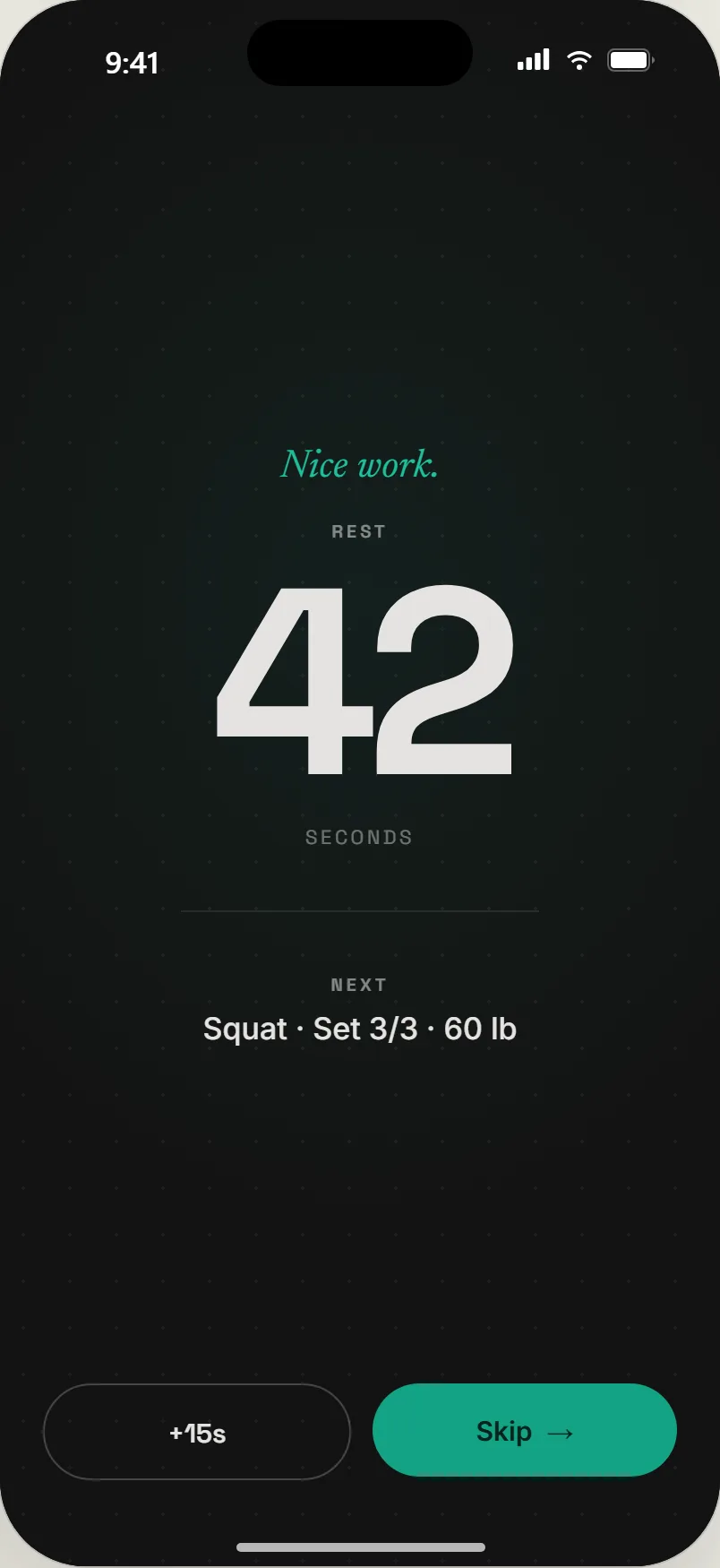
06Rest. Counted down, next set named, skippable.
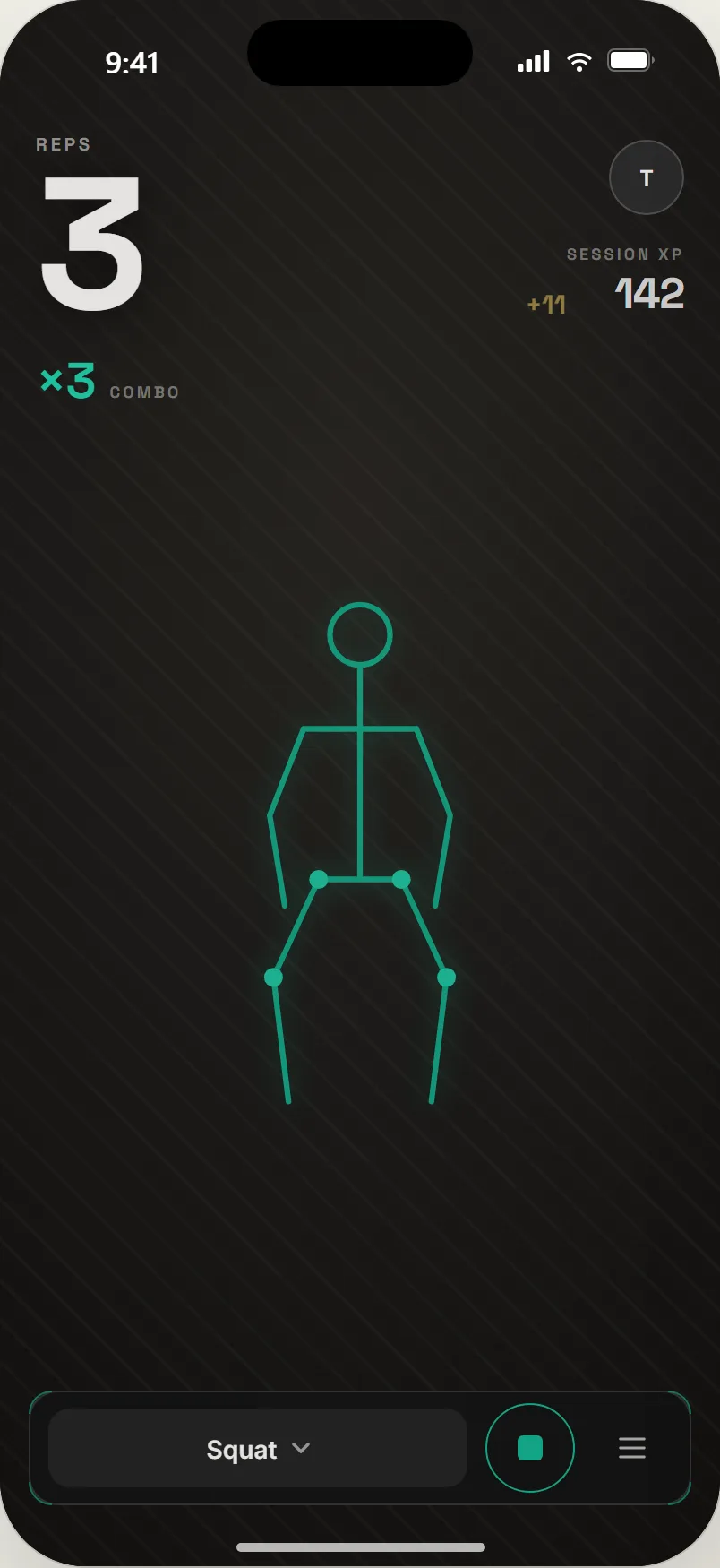
01Early. Three clean reps, a small drift of XP.
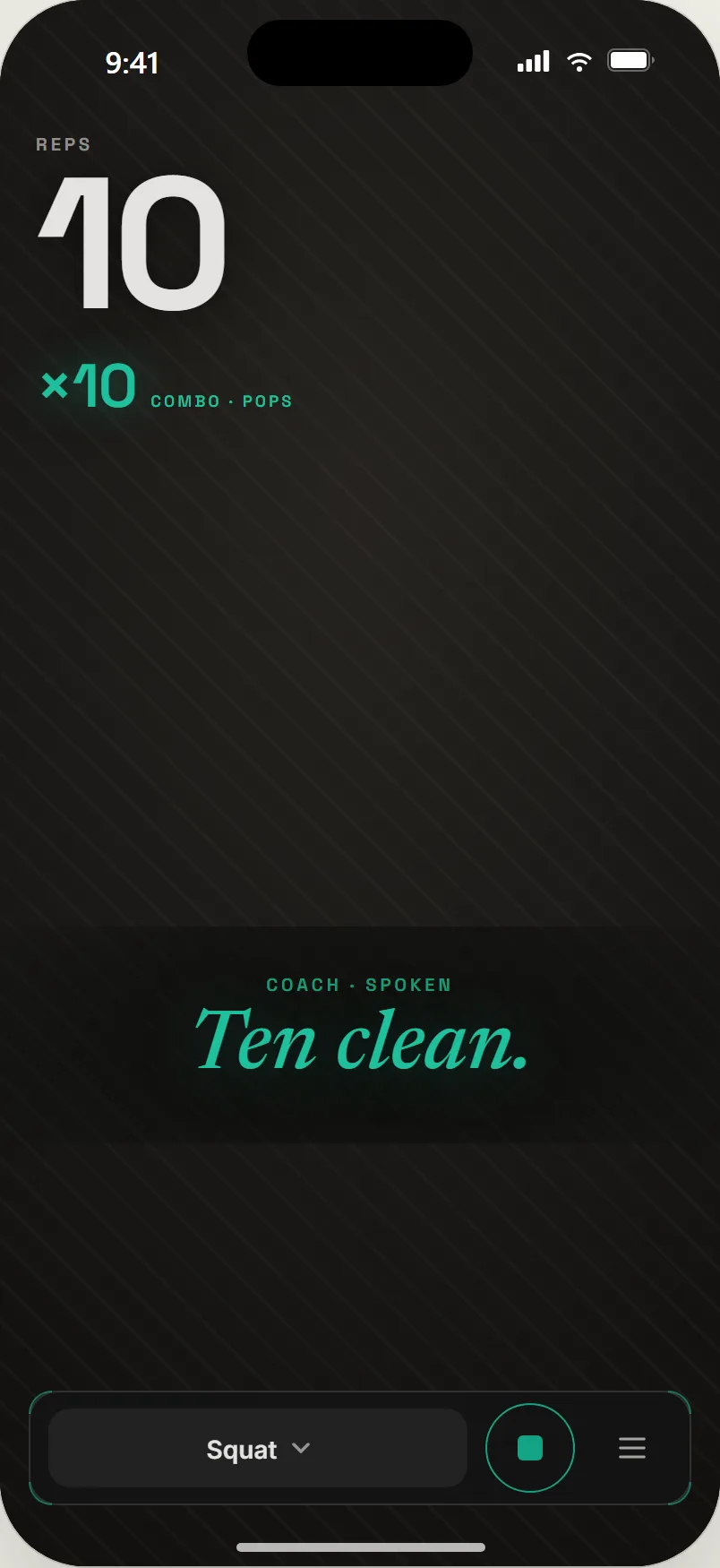
02Ten clean. A pop, and the coach says it.
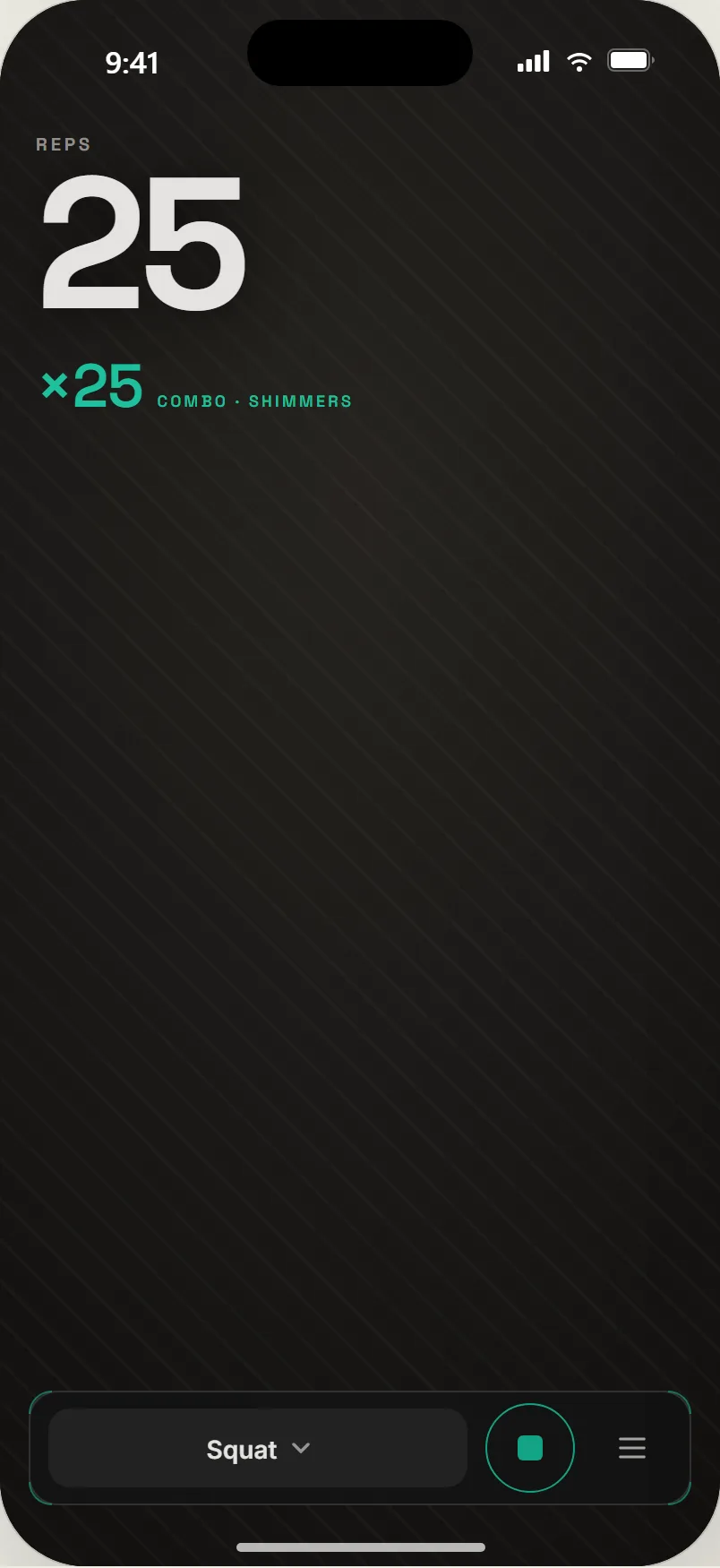
03Twenty-five. Shimmers, not a slot machine.
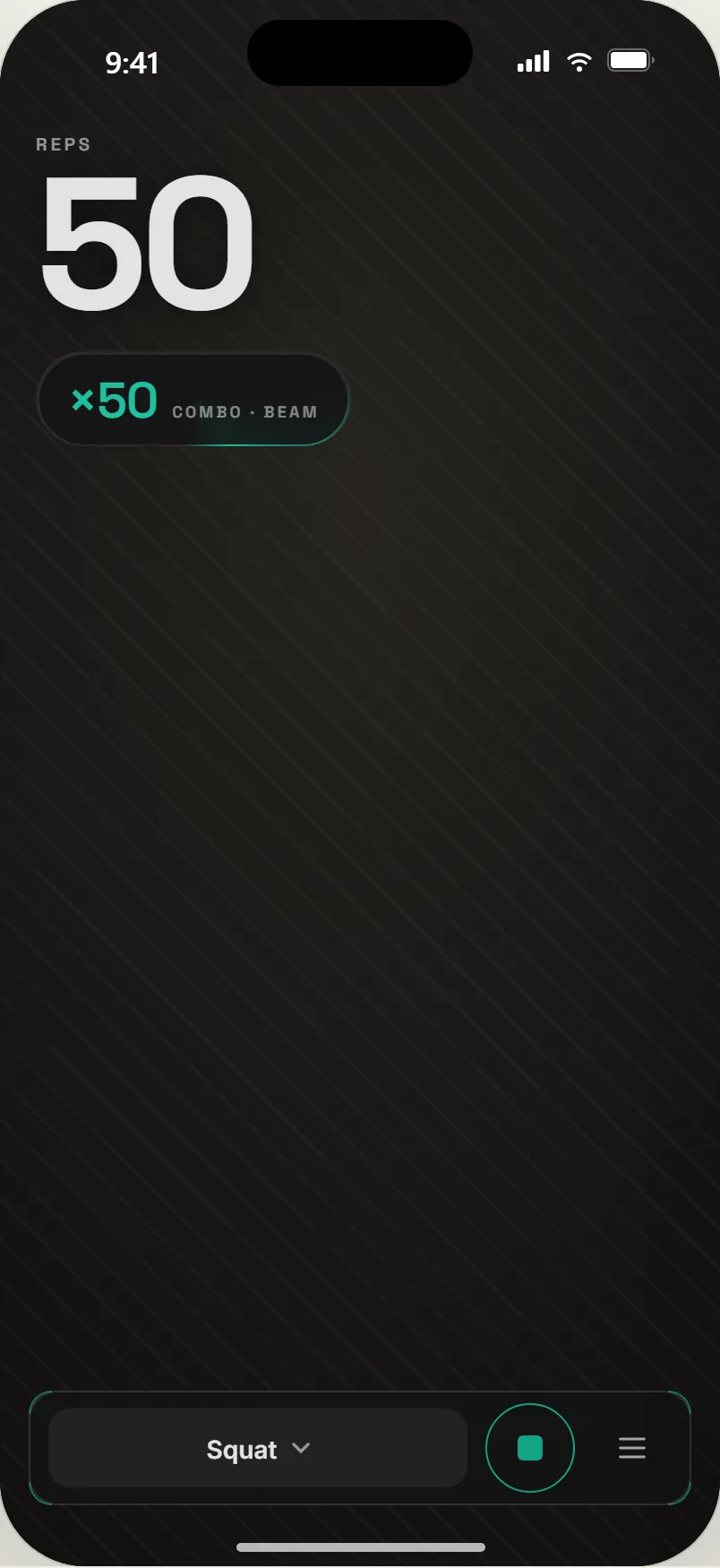
04Fifty. A beam.
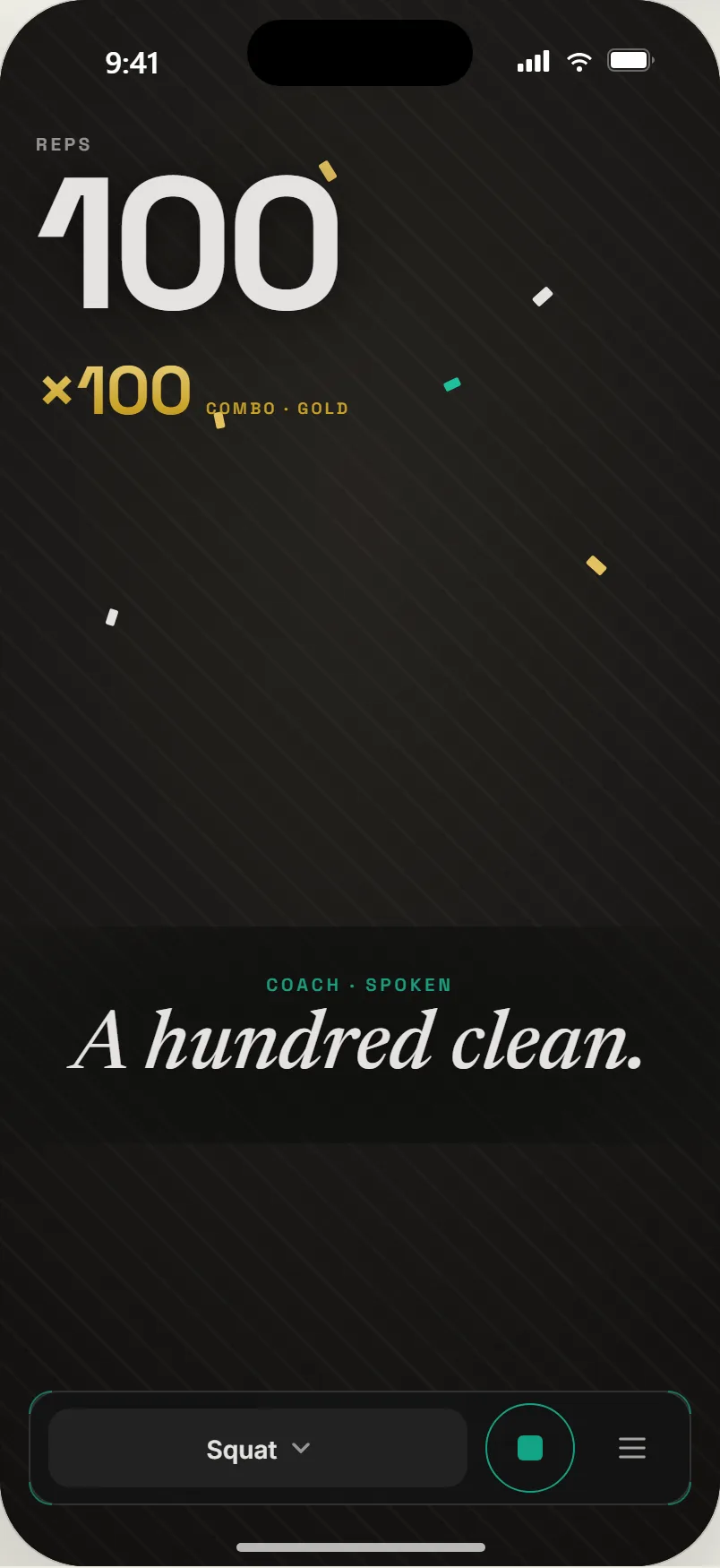
05A hundred clean. Gold.
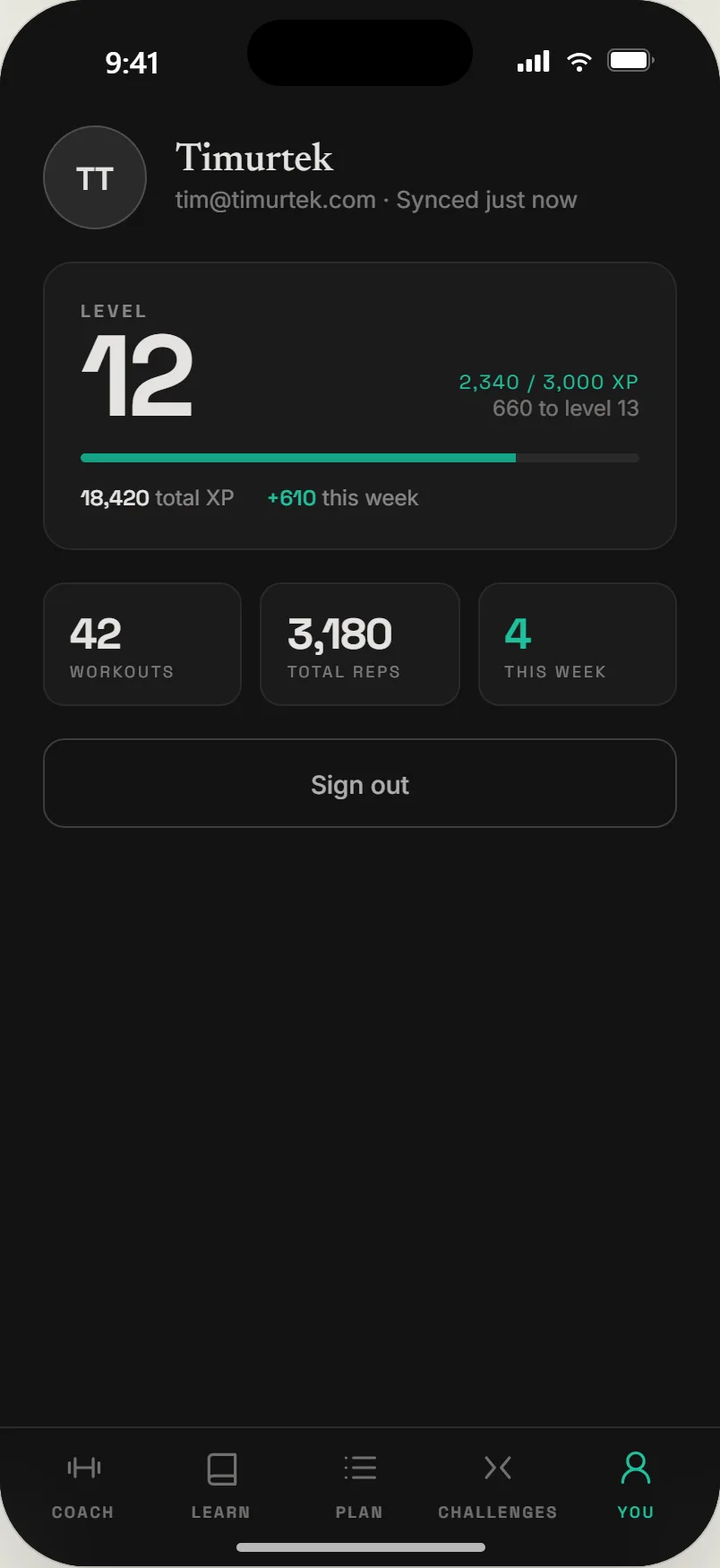
06The You tab. Level, XP to next, totals; synced when signed in.
Why this matters
GoodRep.fit is the same instinct as the rest of the studio, pointed at a camera instead of a chart: compute the facts locally and deterministically, put a human-shaped interface on top, and design the system so that scaling use does not scale the cost. It is also the venture with the least room to hide. A coach that counts a bad rep as a good one is worse than no coach, so the gates, the calibration, and the READY state are not polish. They are the product.